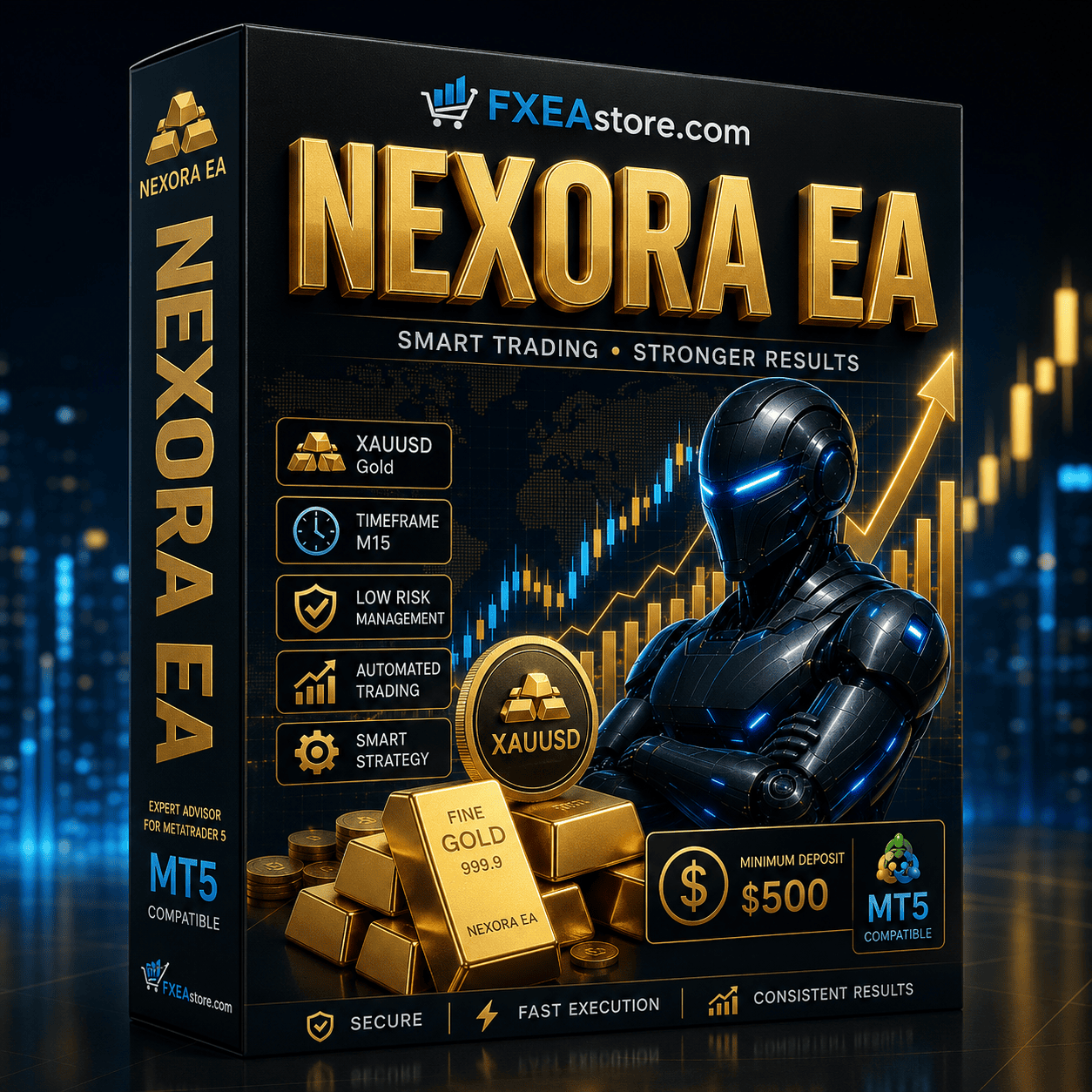
Why Choose NEXORA EA MT5?
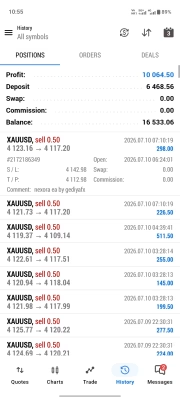
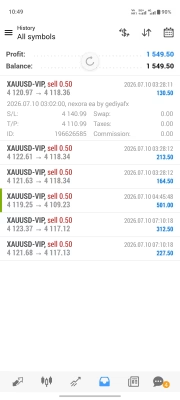
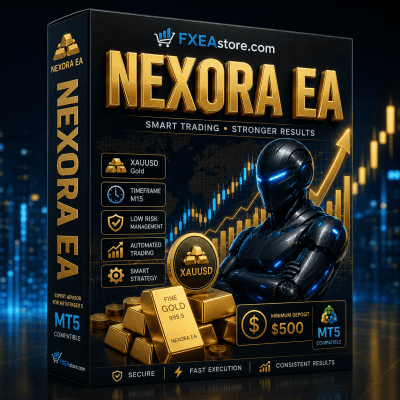
The Forex market moves quickly, making it difficult to monitor opportunities around the clock. NEXORA EA MT5 automates the trading process using sophisticated algorithms that continuously analyze price action and execute trades according to predefined strategies.
Whether you are looking to reduce emotional trading or improve execution efficiency, this EA provides a professional automated trading solution for MT5 users.
If you’re searching for more professional trading robots, explore our complete Expert Advisor collection:
https://fxeastore.com/expert-advisor/
Product Type: EA No DLL | Settings: Default
Key Features of NEXORA EA MT5
- Fully automated trading for MetaTrader 5
- AI-assisted market analysis
- Smart trade entry and exit logic
- Dynamic risk and money management
- Adjustable trading parameters
- Supports multiple Forex currency pairs
- Fast and efficient trade execution
- User-friendly installation
- Suitable for VPS operation
- Compatible with the latest MT5 platform
Trading Advantages
NEXORA EA MT5 is developed to improve consistency by removing emotional decision-making from trading.
Main advantages include:
- Consistent automated execution
- Intelligent market filtering
- Reduced manual monitoring
- Flexible risk control
- Stable performance across different market conditions
- Optimized for long-term automated trading
Who Should Use NEXORA EA MT5?
This trading robot is ideal for:
- Beginner Forex traders
- Professional traders
- Passive investors
- Scalping and swing traders
- Traders seeking automated portfolio management
- Users operating VPS-based trading systems
Installation Guide
Getting started is quick and simple.
- Download the product after purchase.
- Install the EA into MetaTrader 5.
- Load the recommended settings.
- Enable Auto Trading.
- Allow the EA to monitor and execute trades automatically.
Instant product downloads are available here:
https://fxeastore.com/account/downloads/
Complete Your Trading Toolbox
Enhance your trading performance with additional professional resources available on FXEAstore.
Browse more Expert Advisors:
https://fxeastore.com/expert-advisor/
Discover powerful Forex Indicators:
https://fxeastore.com/indicator/
Looking for customizable trading systems?
Explore Forex Source Code:
https://fxeastore.com/source-code/
Need assistance with installation or activation?
Customer Support
https://t.me/FxEAstore_admin
Join our official trading community for updates, product releases, and trading discussions:
https://t.me/fxeastorecom
Why Buy from FXEAstore?
When purchasing from FXEAstore, you receive:
- Unlimited product access
- Instant digital delivery
- Secure download
- Fast installation
- Lifetime usage
- Professional customer support
- Frequently updated product library
- Trusted marketplace for Forex EAs, Indicators, and Source Code
Conclusion
NEXORA EA MT5 is a modern AI-powered Forex Expert Advisor built for traders seeking intelligent automation, disciplined risk management, and efficient trade execution. Whether you’re building a fully automated trading portfolio or expanding your existing MT5 strategies, NEXORA EA MT5 offers a reliable solution designed to help simplify your trading workflow.