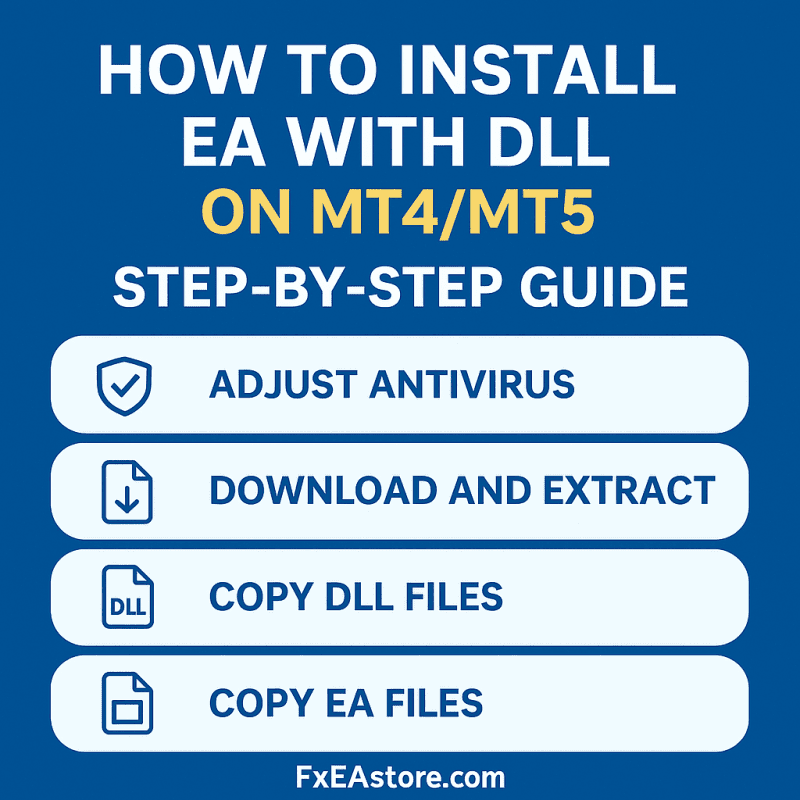
How to Install an EA with DLL
Some Expert Advisors (EAs) use a custom DLL file. Because this DLL is not signed by a publisher, antivirus software may block it and show a false virus alert. To make sure your EA works, you need to allow it in your antivirus.
Installation Steps
STEP 1️⃣: Adjust Antivirus Settings
-
Before downloading the file, turn off your antivirus temporarily.
-
Add exclusions in your antivirus for the folders you will use:
-
Your Download folder (where you save the EA/indicator files).
-
The root folder of your MT4 or MT5 platform.
-
STEP 2️⃣: Download and Extract Files
-
Download the EA package.
-
Right-click → Extract the files to a folder.
STEP 3️⃣: Copy DLL Files
-
Open the folder named DLL.
-
Copy all files inside and paste them into the root folder of MT4/MT5.
STEP 4️⃣: Copy EA Files
-
Copy the EA and any related files (e.g., indicators, set files).
-
Paste them into the correct MQL4/MQL5 folders of your terminal.
Done! ✅
Now restart your platform and enable the EA.