





Dynamic Liquidity Intelligence MT5 V2.27 Unlimited
$17
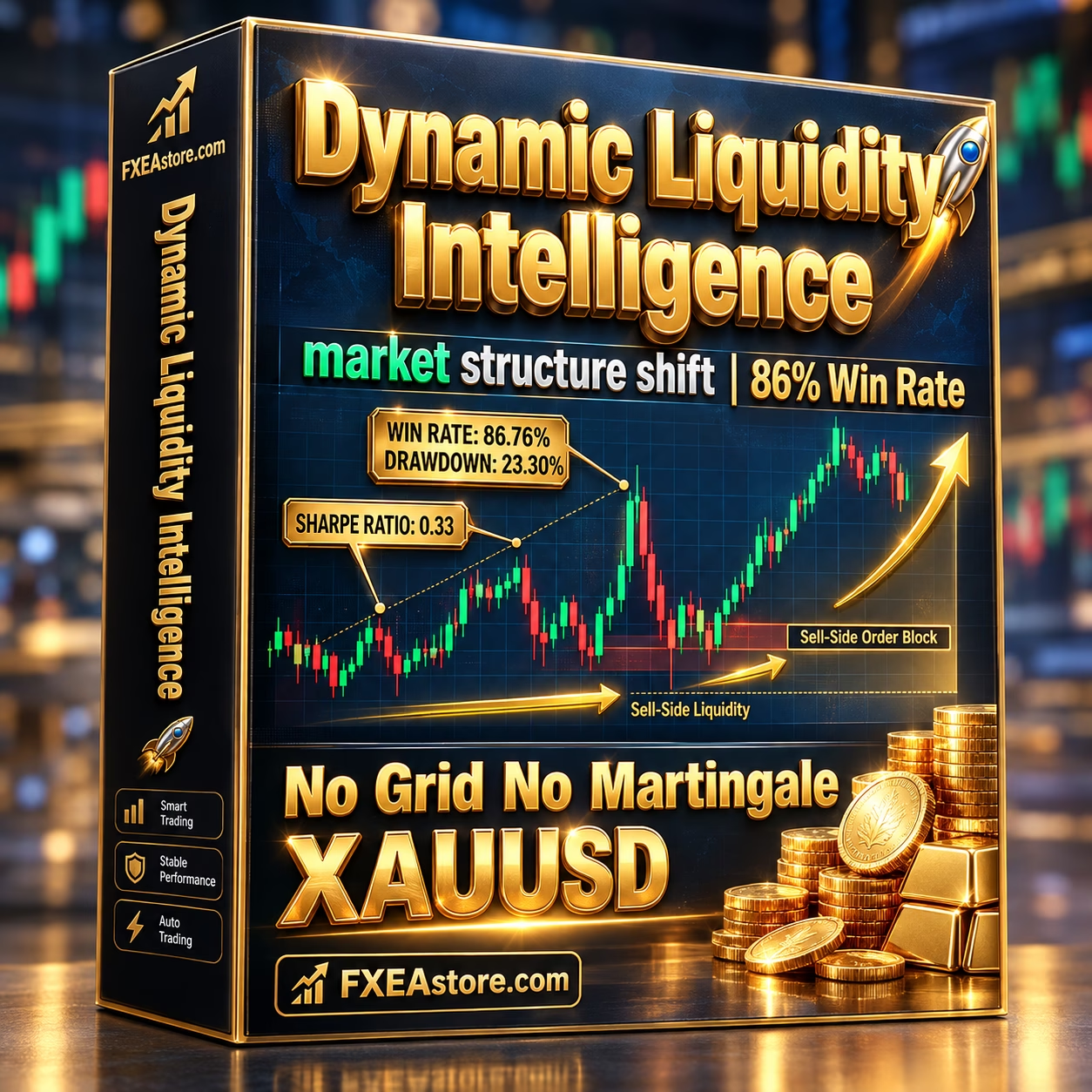
Dynamic Liquidity Intelligence MT5 is an automated Gold trading Expert Advisor designed for MetaTrader 5. Optimized for XAUUSD on the M15 timeframe, it analyzes market structure, identifies potential breakout levels, and places Buy Stop and Sell Stop orders. Featuring dynamic Stop Loss and Take Profit, automatic Break-Even, step-by-step Trailing Stop, and flexible risk settings, this EA helps automate trade execution without Grid, Martingale, or position averaging strategies.

Description
Dynamic Liquidity Intelligence MT5 – Automated Gold Breakout Trading
Trade Gold Breakouts with Dynamic Liquidity Intelligence MT5
Dynamic Liquidity Intelligence MT5 is a specialized XAUUSD Breakout EA for MetaTrader 5 designed to identify potential trading opportunities using dynamic market structure and volatility analysis.
Instead of relying exclusively on fixed entry distances, the EA evaluates recent swing highs, swing lows, and changing market conditions to determine potential breakout areas. It then uses pending Buy Stop and Sell Stop orders to enter trades when price reaches the selected levels.
The system combines automated execution with adaptive trade management, helping traders implement a structured approach to Gold trading without needing to monitor every market movement manually.
Designed for traders who prefer individual position management, Dynamic Liquidity Intelligence MT5 does not use Grid trading, Martingale lot multiplication, or position averaging.
Key Features of Dynamic Liquidity Intelligence MT5
1. Dynamic Market Structure Analysis
The EA monitors recent price behavior to identify significant swing highs and swing lows. It also considers market volatility when calculating potential breakout zones.
This approach allows the system to adjust its trading levels to changing market conditions instead of relying entirely on static price distances.
2. Automated Buy Stop and Sell Stop Orders
Dynamic Liquidity Intelligence MT5 uses pending orders to participate in potential Gold breakouts.
- Buy Stop: Targets potential upward breakouts above selected market levels.
- Sell Stop: Targets potential downward breakouts below selected market levels.
The EA determines pending-order placement according to its internal market-structure and volatility calculations. This automates the entry process while maintaining a rules-based trading approach.
3. Adaptive Stop Loss and Take Profit
Effective trade management is an important part of automated trading. This EA supports dynamic Stop Loss (SL) and Take Profit (TP) calculations that respond to changing volatility conditions.
The system is designed to establish trade-management levels for individual positions, helping traders define their intended risk and profit objectives.
Actual risk-to-reward characteristics depend on the EA’s settings and market conditions. Slippage, spread changes, and price gaps can also affect execution.
4. Automatic Break-Even Management
The built-in Break-Even function can adjust a position’s Stop Loss when predefined conditions are reached.
This feature is designed to help protect open trades after favorable price movement. However, moving a Stop Loss to the entry level does not guarantee a risk-free trade because commissions, swaps, and execution conditions may still affect the final result.
5. Step-by-Step Trailing Stop
Dynamic Liquidity Intelligence MT5 includes a progressive Trailing Stop mechanism that adjusts protection as a trade moves favorably.
When the configured conditions are met, the EA can move the Stop Loss according to predefined thresholds. This helps automate ongoing position management without requiring constant manual adjustments.
6. No Grid, Martingale, or Position Averaging
Unlike recovery systems that may increase exposure after losing trades, Dynamic Liquidity Intelligence MT5 is designed to manage individual positions.
Its strategy does not use:
- Grid trading.
- Martingale lot multiplication.
- Position averaging.
This structure can make individual trade exposure easier to assess. Nevertheless, losses remain possible, and appropriate position sizing is essential.
7. Flexible Risk Profiles
The EA provides suggested risk profiles to help traders configure position sizes according to their account balance and risk preferences.
The listed starting guidelines are:
- Conservative: 0.01 lot per $1,000 balance.
- Moderate: 0.01 lot per $500 balance.
- Aggressive: 0.01 lot per $300 balance.
These figures are configuration suggestions, not guarantees of safety or profitability. Before selecting a lot size, consider your account equity, leverage, broker’s contract specifications, and the potential loss at the Stop Loss level.
8. Friday Trading Filter
The Friday trading filter is designed to stop new trading activity before the weekend close.
This feature can help traders manage exposure around weekend market closures, when reopening prices may differ significantly from previous closing prices.
9. Holiday Trading Pause
The EA includes an automatic trading pause around the New Year period.
This scheduling feature is intended to help avoid selected holiday conditions, when market participation and liquidity may differ from normal trading sessions.
10. Session-Based Trading Filters
Dynamic Liquidity Intelligence MT5 supports trading-session filters, allowing users to restrict trading activity to selected market hours.
Session controls can help align automated trading with a preferred schedule. Actual results will still depend on Gold volatility, broker execution, and the chosen configuration.
Technical Specifications
- Product Name: Dynamic Liquidity Intelligence MT5
- Platform: MetaTrader 5 (MT5)
- Product Type: Automated Expert Advisor
- Primary Trading Symbol: XAUUSD (Gold)
- Recommended Timeframe: M15
- Version: 2.27
- Required MT5 Build: 6230+
- DLL Requirement: No DLL required
- Trading Method: Market-structure and breakout trading
- Entry Method: Buy Stop and Sell Stop pending orders
- Trade Management: Dynamic SL/TP, Break-Even, and Trailing Stop
- Risk Profiles: Conservative, Moderate, and Aggressive
- Account Type: ECN, Raw, or Razor-style accounts recommended
- Execution Mode: Hedging
- Recommended Minimum Deposit: $300
- Suggested Deposit Range: $500–$1,000
- Recommended Leverage: Up to 1:500, subject to broker availability
- VPS: Recommended for continuous operation
Broker conditions vary. Confirm that your broker supports the intended XAUUSD symbol, hedging mode, minimum lot size, margin requirements, and order-placement rules before using the EA.
Recommended Trading Environment
XAUUSD on the M15 Timeframe
Dynamic Liquidity Intelligence MT5 is designed primarily for Gold trading on the 15-minute chart. The M15 timeframe provides the reference chart for its market-structure and breakout calculations.
Use the intended symbol and timeframe unless the product documentation specifically confirms support for another configuration.
Low-Spread Broker Conditions
Gold can experience rapid price movements and spread expansion during important economic announcements or periods of reduced liquidity.
ECN, Raw, or Razor-style accounts with competitive spreads are recommended. However, account labels alone do not guarantee good execution. Compare the broker’s actual spread, commissions, slippage, and order execution quality.
VPS for Automated Trading
A Virtual Private Server (VPS) is recommended for traders who want the EA to remain operational without keeping a personal computer continuously powered on.
A stable connection can help maintain pending orders and automated position management. A VPS does not eliminate trading risk or guarantee better profitability.
How to Install Dynamic Liquidity Intelligence MT5
Follow these steps to prepare the EA for testing:
Step 1: Install MetaTrader 5
Install MT5 and connect to a compatible broker account.
Step 2: Open the XAUUSD Chart
Select your broker’s Gold symbol and set the chart timeframe to M15.
Step 3: Install the Expert Advisor
Place the EA file in the appropriate MetaTrader 5 Experts directory and refresh the Navigator panel, or restart the platform if necessary.
Step 4: Attach the EA to the Chart
Add Dynamic Liquidity Intelligence MT5 to the XAUUSD M15 chart and review the available input settings.
Step 5: Configure Risk Settings
Select an appropriate lot size and review the risk parameters. Do not assume that the suggested profiles are suitable for every account.
Step 6: Verify Trading Permissions
Enable AutoTrading and confirm that the EA has the permissions it requires. This product is listed as requiring no DLL.
Step 7: Test Before Live Trading
Run historical testing where supported, then forward-test on a Demo account with your intended broker. Review drawdown, trade frequency, spread sensitivity, and execution behavior before considering live deployment.
Why Choose Dynamic Liquidity Intelligence MT5?
Dynamic Liquidity Intelligence MT5 combines market-structure analysis with pending-order breakout execution and automated position management.
Its main advantages include:
- Automated XAUUSD trading on MetaTrader 5.
- Dynamic identification of potential breakout levels.
- Buy Stop and Sell Stop entry logic.
- Adaptive Stop Loss and Take Profit.
- Automatic Break-Even and progressive Trailing Stop.
- No Grid, Martingale, or position averaging.
- Configurable risk profiles and trading-session filters.
- Friday and New Year trading controls.
- No DLL requirement.
- VPS support for more consistent platform uptime.
These features make the EA worth evaluating for traders who want a rules-based approach to automated Gold breakout trading. Actual performance depends on market conditions, settings, and broker execution.
Who Should Consider This Gold Trading EA?
XAUUSD traders: Users looking for an automated system specifically designed for Gold.
Breakout strategy traders: Traders interested in pending orders around dynamically identified market levels.
MT5 automation users: Traders who prefer an Expert Advisor to handle entry and position-management rules.
Risk-conscious traders: Users who want individual position management without Grid or Martingale strategies, while understanding that losses are still possible.
VPS users: Traders who prefer to keep automated trading running without depending on a personal computer.
Explore More Forex Trading Tools at FxEAstore.com
Discover more tools for your trading setup:
- Browse our Expert Advisors for automated trading systems.
- Explore our Indicators for technical analysis and trading signals.
- Visit our Source Code section for trading software source-code products.
- After your purchase, access your products and download immediately after payment.
- Follow the FxEAstore.com Telegram Channel for product updates.
- For assistance, contact FxEAstore Support.
Risk Disclaimer
Forex and Gold trading involve substantial financial risk. XAUUSD can experience sharp price movements, widening spreads, slippage, and price gaps. Leverage increases both potential gains and potential losses.
Dynamic Liquidity Intelligence MT5 does not guarantee profits or prevent losses. Suggested risk profiles are guidelines only, and historical testing or past performance cannot guarantee future results.
Always test the EA on a Demo account before using real funds. Verify broker compatibility, execution quality, trading costs, and account requirements, and use only capital you can afford to lose.
Related products


Expert Advisor
IS New Project EA MT4 Unlimited with SetFiles (latest build)


Expert Advisor


Expert Advisor


Expert Advisor


Expert Advisor


Expert Advisor


Expert Advisor


Expert Advisor