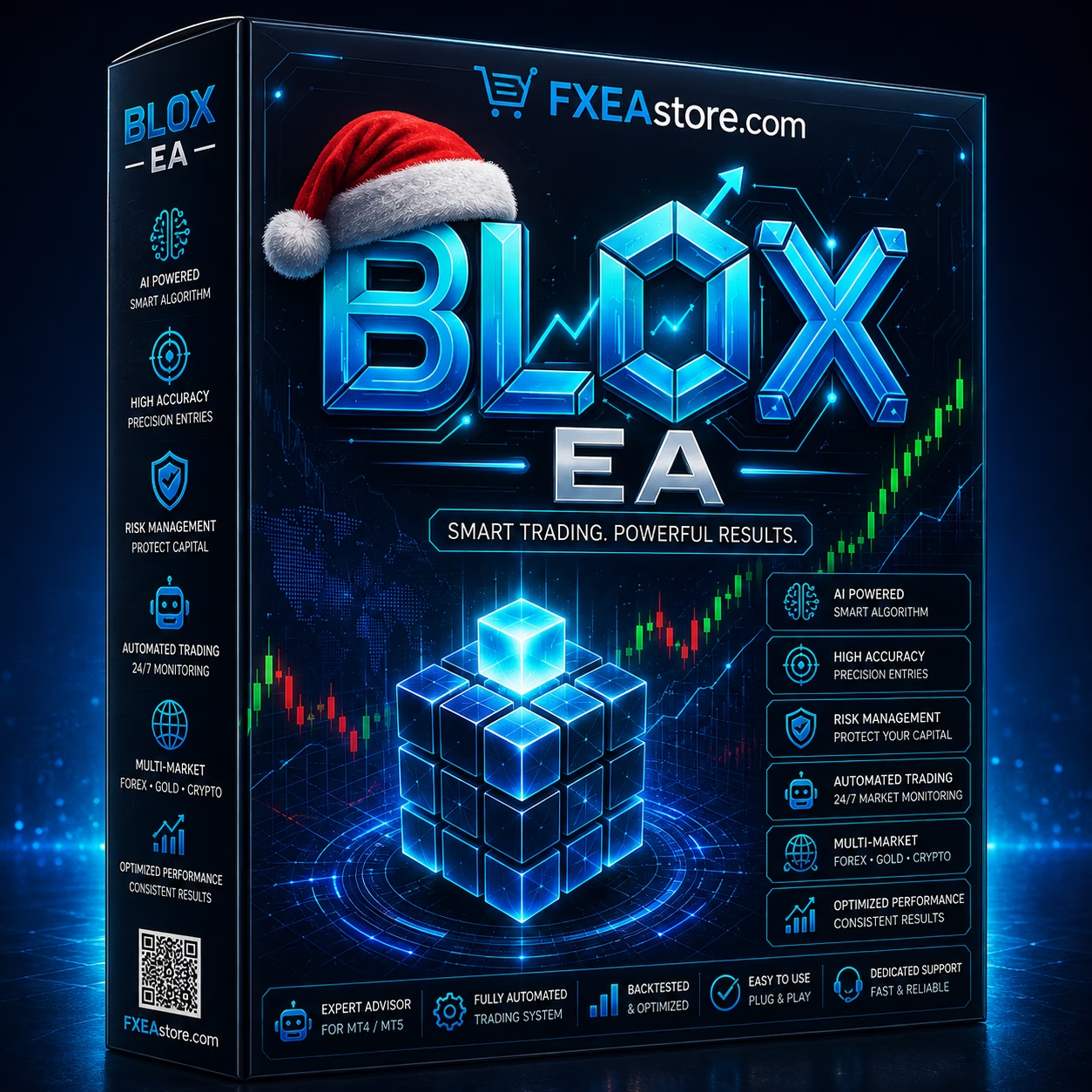
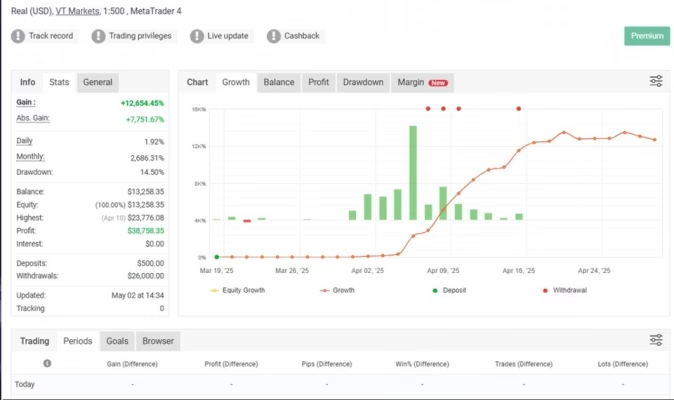
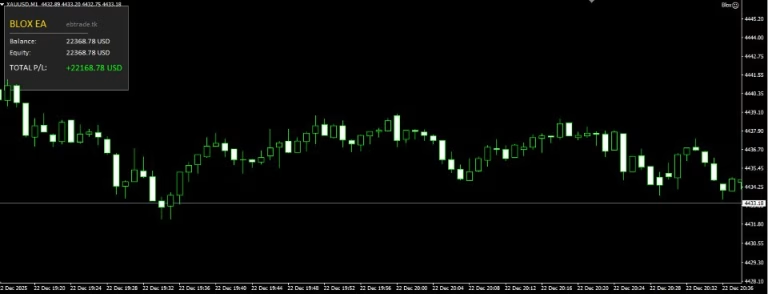
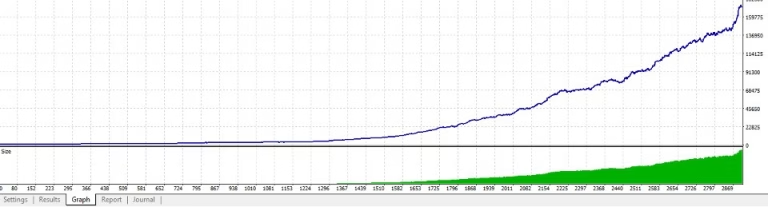
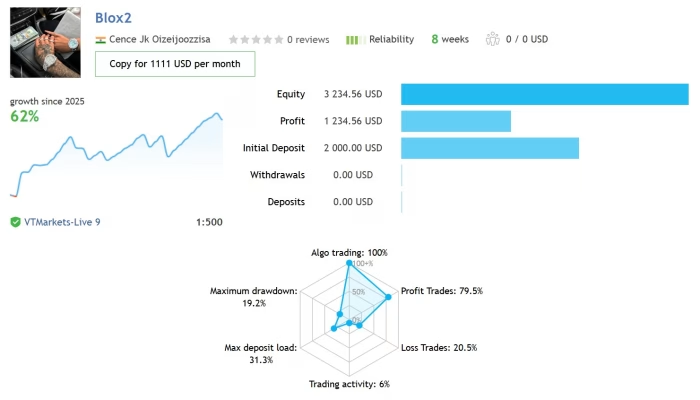
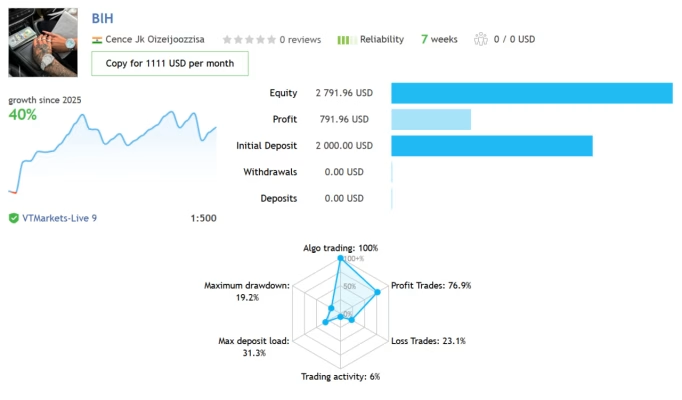

Blox EA MT4 V1.1 Unlimited with SetFiles
$10
Blox EA MT4 is an automated Forex Expert Advisor for MetaTrader 4, supplied with SetFiles to make configuration and setup more convenient. The Unlimited version is designed for traders who want a structured MT4 automation solution.

Description
Blox EA MT4 – Automated Forex Trading with Ready-to-Use SetFiles
EA | No DLL | Settings: SetFiles
Blox EA MT4 – Simplify Your MetaTrader 4 Automation
Looking for a practical MT4 Expert Advisor that is easy to configure? Blox EA MT4 provides an automated trading solution for MetaTrader 4 together with SetFiles designed to help streamline the initial setup process.
Instead of building every parameter configuration from scratch, users can work with the supplied settings and then evaluate the EA according to their preferred trading environment and risk parameters.
Key Features of Blox EA MT4
- MetaTrader 4 Compatible – Designed for the MT4 trading platform.
- Automated Trading – Built to automate trading according to its programmed logic.
- SetFiles Included – Supplied configuration files help simplify the setup process.
- Unlimited Version – The product is offered as an Unlimited version.
- Structured Configuration – SetFiles provide a convenient starting point for testing and optimization.
- Flexible Evaluation – Traders can test the EA under their own broker and account conditions before live use.
Why SetFiles Matter
Setting up an Expert Advisor can involve multiple parameters, and manually configuring every setting may take additional time.
With Blox EA MT4 SetFiles, users receive predefined configuration files that can provide a more convenient starting point. After installation, traders can review the available parameters and determine whether the supplied configuration fits their own trading objectives.
For best results when evaluating any EA, use the supplied settings as a starting point rather than assuming they will perform identically across every broker or market environment.
How Blox EA MT4 Works
Blox EA MT4 is designed to automate the trading process inside MetaTrader 4. Once properly installed and configured, the Expert Advisor can operate according to its programmed trading rules.
A typical workflow includes:
- Install MetaTrader 4 on your trading environment.
- Install the Blox EA MT4 files.
- Load the supplied SetFiles where applicable.
- Review the available EA parameters.
- Attach the EA to the appropriate MT4 chart.
- Test the configuration on a demo account.
- Monitor performance and risk before considering live trading.
Blox EA MT4 Setup
The included SetFiles are intended to make the configuration process more convenient.
Before activating automated trading, carefully review:
- Account balance
- Risk settings
- Lot size parameters
- Broker conditions
- Spread and commission
- Trading hours
- Maximum exposure
- Any available drawdown controls
Testing the EA on a demo account first is recommended so you can understand how it behaves under your own broker conditions.
Blox EA MT4 Specifications
| Feature | Details |
|---|---|
| Product Name | Blox EA MT4 |
| Platform | MetaTrader 4 |
| Product Type | Forex Expert Advisor |
| Trading Mode | Automated |
| SetFiles | Included |
| Version | Unlimited |
| Configuration | SetFiles supplied |
| Use | Automated MT4 trading |
Who Can Consider Blox EA MT4?
Blox EA MT4 may be suitable for traders who:
- Use MetaTrader 4
- Are interested in automated Forex trading
- Prefer working with predefined SetFiles
- Want to test an Expert Advisor systematically
- Prefer a structured EA setup process
- Understand the risks associated with automated trading
It can also be useful for experienced MT4 users who want to evaluate an additional automated strategy within a controlled testing environment.
Explore More Forex Trading Tools
Discover more automated trading solutions in our Expert Advisor collection.
You can also explore our Indicator collection for technical-analysis tools or visit our Source Code collection for MQL trading software and development resources.
Download Your Product
After completing your purchase, access your available files through Download Immediately After Payment.
For product announcements and updates, join our Official Telegram Channel. If you need help with your order or product access, contact Customer Support.
Final Thoughts
Blox EA MT4 combines MetaTrader 4 automation with included SetFiles designed to make the initial configuration process more convenient. The Unlimited version provides a straightforward option for traders who want to evaluate automated Forex trading software on MT4.
As with any Expert Advisor, trading results can vary depending on market conditions, broker execution, spreads, slippage, account settings, and risk management. Always test the software carefully on a demo account and use appropriate risk controls before considering live deployment.

Related products


Expert Advisor
IS New Project EA MT4 Unlimited with SetFiles (latest build)


Expert Advisor


Expert Advisor

Expert Advisor


Expert Advisor


Expert Advisor


Expert Advisor

Expert Advisor