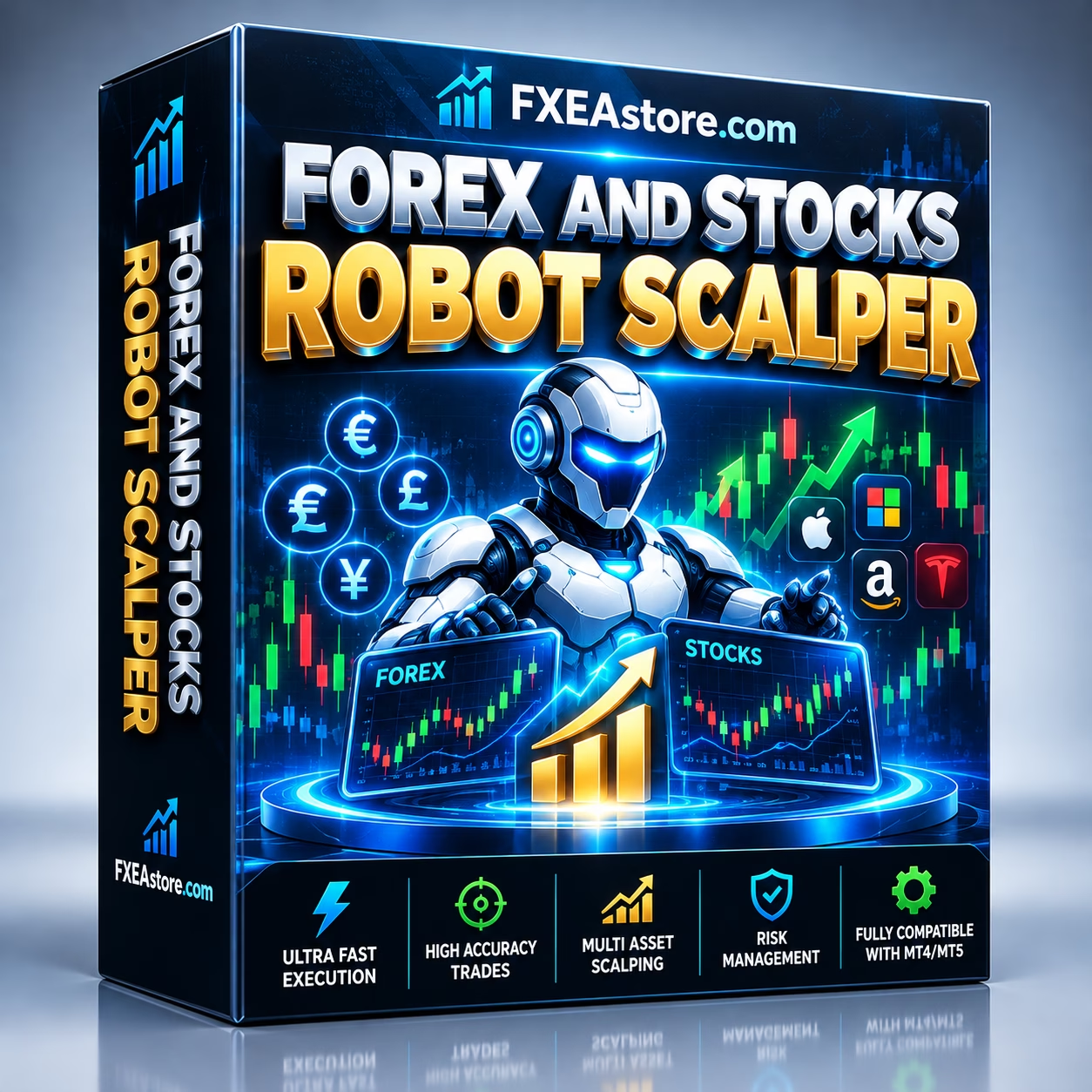
Forex And Stocks Robot Scalper MT5 V3.10 Unlimited
$25
Forex And Stocks Robot Scalper MT5 is an automated Expert Advisor designed for trading the NASDAQ 100 Index on MetaTrader 5. Combining scalping and trend-following principles, it follows programmed trading rules and supports configurable Stop Loss and Take Profit settings. Version 3.10 does not require a DLL, making it a practical option for traders who want to evaluate systematic index trading. Backtesting and Demo testing are recommended before live deployment.

Description
Forex And Stocks Robot Scalper MT5 – Automated NASDAQ 100 Trading
Automate NASDAQ 100 Trading with Forex And Stocks Robot Scalper MT5
Forex And Stocks Robot Scalper MT5 is an automated trading solution developed for traders who want to explore short-term opportunities in the NASDAQ 100 Index through the MetaTrader 5 platform.
The Expert Advisor combines scalping and trend-following principles to identify potential trading opportunities according to its programmed rules. Instead of requiring traders to monitor every price movement and execute each order manually, the EA automates supported trading operations based on its configuration.
The NASDAQ 100 is known for dynamic price movements and sensitivity to economic announcements, technology-sector developments, and broader market sentiment. These characteristics can create short-term trading opportunities, but they also increase the risk of rapid losses.
Forex And Stocks Robot Scalper MT5 offers a systematic approach to index trading, with configurable trade-management parameters to help users establish a more structured trading process.
Key Features of Forex And Stocks Robot Scalper MT5
1. Automated NASDAQ 100 Index Trading
The EA is designed specifically for automated trading on the NASDAQ 100 Index through MetaTrader 5.
Depending on the broker, the instrument may appear under a different symbol name and may be offered as an index CFD or another index-linked product. Confirm that your broker’s instrument is compatible with the EA before installation.
Key benefits include:
- Automated execution based on programmed trading conditions.
- A systematic approach to short-term index trading.
- Less need for continuous manual chart monitoring.
- Integration with the MetaTrader 5 trading environment.
2. Scalping Strategy for Short-Term Opportunities
Scalping focuses on short-term price movements and seeks trading opportunities according to predefined entry and exit rules.
Forex And Stocks Robot Scalper MT5 incorporates a scalping-oriented approach designed to respond to movements in the NASDAQ 100 market.
Scalping performance can be sensitive to transaction costs. Spreads, commissions, slippage, and execution delays may significantly affect the outcome of frequent trades.
For this reason, traders should test the EA under realistic trading conditions rather than relying solely on ideal historical results.
3. Trend-Following Trading Logic
Alongside its scalping approach, the EA incorporates trend-following principles.
Trend-following methods aim to identify opportunities that align with prevailing market direction. Combining these principles with short-term trading logic provides a systematic framework for evaluating potential entries and exits.
Actual trading behavior depends on the EA’s programmed strategy, configuration, market conditions, and broker execution. The system should be evaluated through historical testing and Demo trading before live use.
4. Automated Trade Execution
The Expert Advisor follows its programmed trading rules to automate supported trading operations.
Automation can help reduce impulsive decisions caused by fear, excitement, or inconsistent manual execution. It also allows traders to apply a defined process without needing to place every trade themselves.
However, automation does not guarantee better results. A poorly performing strategy can continue to generate losses automatically, so regular monitoring remains important.
5. Configurable Stop Loss
Stop Loss settings help traders define an intended exit level for a position when the market moves against it.
Forex And Stocks Robot Scalper MT5 supports Stop Loss parameters to help structure trade risk according to the user’s trading plan.
Consider the following when configuring Stop Loss:
- Account balance and equity.
- Position size and leverage.
- NASDAQ 100 volatility.
- Broker spreads and execution conditions.
- The maximum loss you can reasonably tolerate.
Stop Loss orders cannot guarantee execution at the requested price during rapid market movements or price gaps.
6. Configurable Take Profit
The EA also supports Take Profit settings to define potential exit targets.
A predefined profit target can help create a consistent trade-management process and reduce the temptation to change exit decisions impulsively.
Choose settings appropriate for the strategy and market conditions. A Take Profit target does not guarantee that the target will be reached or that a trade will close at the exact requested price.
7. MetaTrader 5 Compatibility
Forex And Stocks Robot Scalper MT5 is built for the MetaTrader 5 environment.
MT5 provides tools for chart analysis, automated trading, historical testing, and account monitoring. Traders can use the platform’s Strategy Tester, where compatible historical data is available, to evaluate the EA’s behavior before considering live deployment.
8. No DLL Required
The listed version is Version 3.10 — No DLL required.
This simplifies the installation process because the product does not require enabling DLL imports for its operation, according to the supplied product specifications.
Always obtain the correct EA files and follow the installation instructions associated with your purchased version.
Why Trade the NASDAQ 100 Index?
The NASDAQ 100 tracks major non-financial companies listed on the Nasdaq Stock Market, according to the index’s eligibility and weighting methodology.
Its price can respond to several factors, including:
- Technology-sector performance.
- Corporate earnings and company announcements.
- US economic data and interest-rate expectations.
- Changes in investor sentiment.
- Major market events and volatility.
These factors can create opportunities for short-term strategies, but they can also cause sharp price swings and unexpected losses.
Forex And Stocks Robot Scalper MT5 is designed to automate a rules-based approach to this market. Traders should still understand the instrument, its trading hours, and the risks associated with leveraged index products.
Technical Specifications
- Product Name: Forex And Stocks Robot Scalper MT5
- Platform: MetaTrader 5 (MT5)
- Product Type: Automated Expert Advisor
- Version: 3.10
- DLL Requirement: No DLL required
- Primary Instrument: NASDAQ 100 Index
- Trading Approach: Scalping and trend-following principles
- Trade Execution: Automated according to programmed rules
- Risk Management: Configurable Stop Loss and Take Profit
- Parameters: Configurable settings supported by the EA
- Recommended Testing: Historical backtesting and Demo forward testing
- Broker Compatibility: A broker offering a compatible NASDAQ 100 instrument
The product specifications provided do not establish a guaranteed win rate, maximum drawdown, or expected return. Evaluate these metrics independently before using real capital.
Recommended Trading Environment
Choose a Compatible NASDAQ 100 Instrument
Different brokers may use different symbol names for the NASDAQ 100. Before installing the EA, confirm that the selected instrument is supported and that its contract specifications are appropriate.
Check the minimum trade volume, tick size, margin requirements, trading sessions, and order restrictions.
Review Spreads and Commissions
Short-term strategies can be particularly sensitive to transaction costs.
Before selecting an account, compare:
- Typical and maximum spreads.
- Commissions and other trading fees.
- Slippage during active market periods.
- Order execution speed and reliability.
- Overnight financing or holding costs, where applicable.
A low advertised spread does not guarantee consistently low trading costs.
Use Appropriate Risk Settings
Start with conservative position sizing and settings that fit your account balance and risk tolerance.
Avoid increasing trade volume simply because the EA has produced a short period of positive results. Evaluate performance over different market conditions and monitor drawdown as well as profitability.
Consider a VPS
A Virtual Private Server (VPS) can help keep MetaTrader 5 running when your personal computer is switched off.
A reliable VPS may support more consistent platform uptime, but it cannot eliminate market risk, slippage, connectivity interruptions, or losses.
How to Install Forex And Stocks Robot Scalper MT5
Follow these steps to prepare the EA for evaluation.
Step 1: Install MetaTrader 5
Install MT5 and connect to an account with a broker that offers a compatible NASDAQ 100 instrument.
Step 2: Install the Expert Advisor
Copy the EA file into the appropriate MetaTrader 5 Experts directory. Refresh the Navigator panel or restart the platform if needed.
Step 3: Open the NASDAQ 100 Chart
Select your broker’s NASDAQ 100 symbol. Confirm that the symbol and contract specifications are compatible with the product.
Step 4: Attach the EA
Add Forex And Stocks Robot Scalper MT5 to the chart and review its available parameters.
Step 5: Configure Risk Management
Set the supported Stop Loss, Take Profit, position sizing, and other available parameters according to your trading plan.
Step 6: Enable Automated Trading
Check the platform’s automated-trading permissions and confirm that the EA is operating as expected. The listed version does not require a DLL.
Step 7: Backtest and Forward-Test
Use the MT5 Strategy Tester with suitable historical data, then run the EA on a Demo account. Review trade frequency, drawdown, execution costs, and behavior during different market conditions.
Do not rely on a short period of positive results as proof of future profitability.
Who Should Consider Forex And Stocks Robot Scalper MT5?
This EA may be worth evaluating for:
- NASDAQ 100 traders who want to explore automated index trading.
- Scalping enthusiasts interested in systematic short-term trading.
- Algorithmic traders who use MetaTrader 5 Expert Advisors.
- Experienced traders who understand leveraged index products and market volatility.
- Time-constrained users who prefer automated execution over continuous manual monitoring.
It may not be suitable for traders who expect guaranteed profits, cannot tolerate drawdowns, or do not understand the risks of leveraged index trading.
Why Choose Forex And Stocks Robot Scalper MT5?
Forex And Stocks Robot Scalper MT5 provides an automated framework for evaluating short-term NASDAQ 100 trading opportunities.
Its main features include:
- Specialized NASDAQ 100 index trading.
- Scalping and trend-following principles.
- Automated trade execution.
- Configurable Stop Loss and Take Profit.
- MetaTrader 5 compatibility.
- Version 3.10 with no DLL requirement.
- A structured workflow for backtesting and Demo evaluation.
The most important consideration is whether the strategy’s actual performance, trading costs, and drawdown profile fit your objectives and risk tolerance.
Explore More Trading Tools at FxEAstore.com
Discover additional products and resources for your trading setup:
- Expert Advisors: Explore automated trading software for different strategies and platforms.
- Indicators: Find technical analysis tools and trading indicators.
- Source Code: Browse source-code products for trading software.
- Download immediately after payment: Access your purchased digital products through your account.
- FxEAstore.com Telegram Channel: Follow product announcements and updates.
- Customer Support: Contact the support team if you need assistance.
Risk Disclaimer
Trading the NASDAQ 100 and other leveraged financial instruments involves substantial risk. Rapid price movements, spreads, commissions, slippage, and market gaps can result in losses, including losses that exceed expectations.
Forex And Stocks Robot Scalper MT5 does not guarantee profits or prevent losing trades. Stop Loss and Take Profit settings help structure trade management but cannot eliminate all trading risks. Backtested or historical performance does not guarantee future results.
Always test the EA on a Demo account before live deployment. Verify compatibility with your broker, use appropriate position sizing, monitor performance regularly, and trade only with capital you can afford to lose.
Related products

Expert Advisor


Expert Advisor

Expert Advisor


Expert Advisor


Expert Advisor


Expert Advisor


Expert Advisor


Expert Advisor