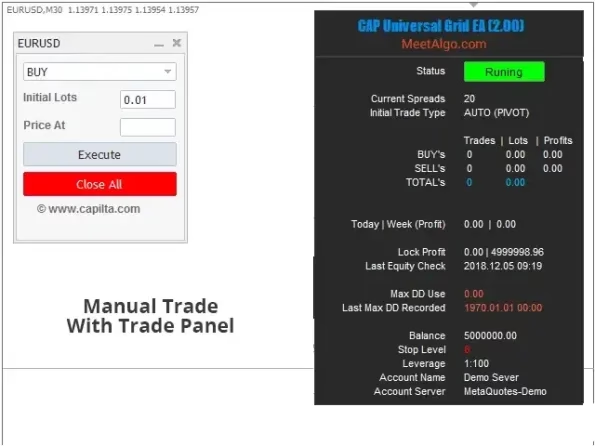
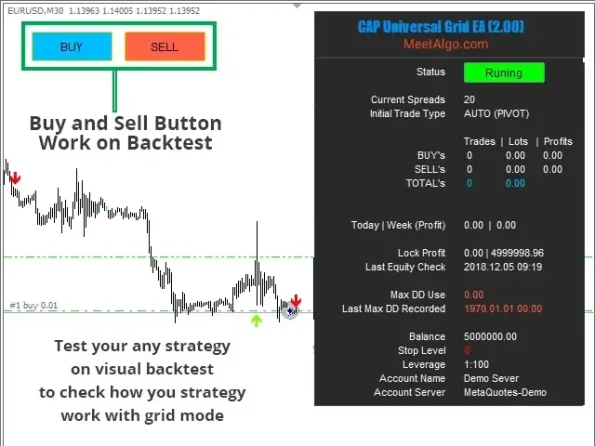
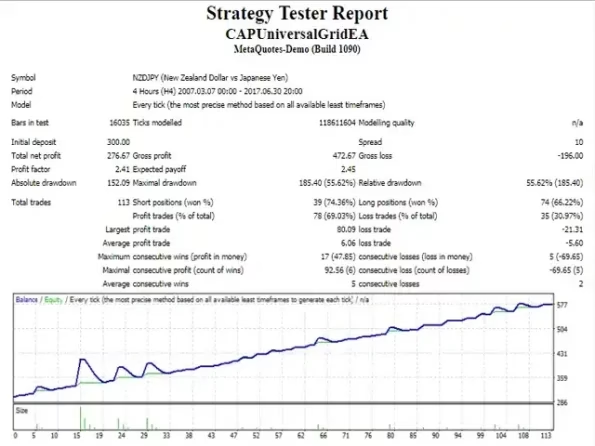
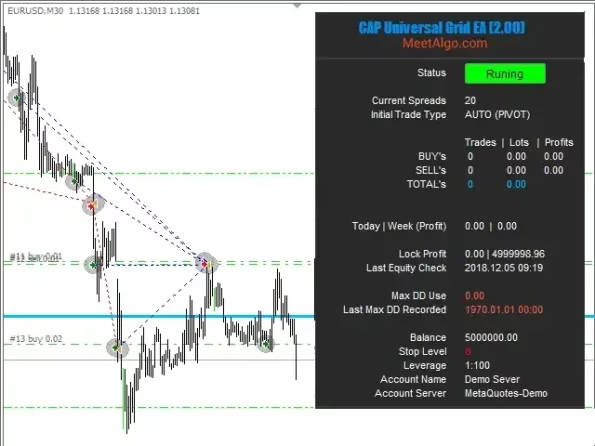

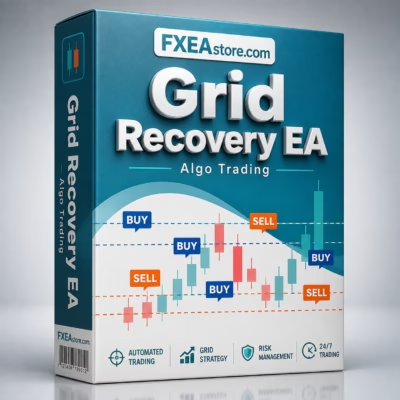
Grid Recovery EA MT4 V8.10 Unlimited
$10
Grid Recovery EA is a powerful MetaTrader 4 Expert Advisor designed to automate grid-based trade management and recovery strategies. It helps traders manage multiple positions, optimize grid entries, and control exposure with flexible settings.

Description
Grid Recovery EA for MetaTrader 4
EA | DLL | Settings: Default
Info: Link 1
Grid Recovery EA – Automated Grid Trading for MT4
Managing multiple Forex positions manually can be time-consuming, especially when the market moves against an initial trade. Grid Recovery EA is designed to automate the grid and recovery process on MetaTrader 4, helping traders manage positions according to predefined trading parameters.
The EA can be used to build a structured grid of trades as the market moves, allowing traders to automate position management instead of monitoring every market movement manually.
Whether you are interested in grid trading, recovery strategies, or automated trade management, this Forex Expert Advisor provides a flexible environment for implementing your strategy.
How Does Grid Recovery EA Work?
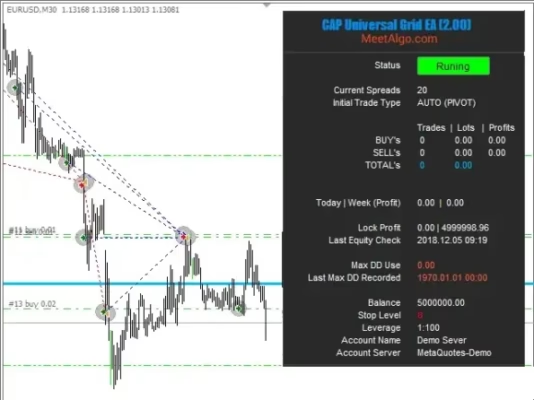
The basic concept behind a grid recovery strategy is to place additional positions at predefined price intervals when the market moves away from an existing position.
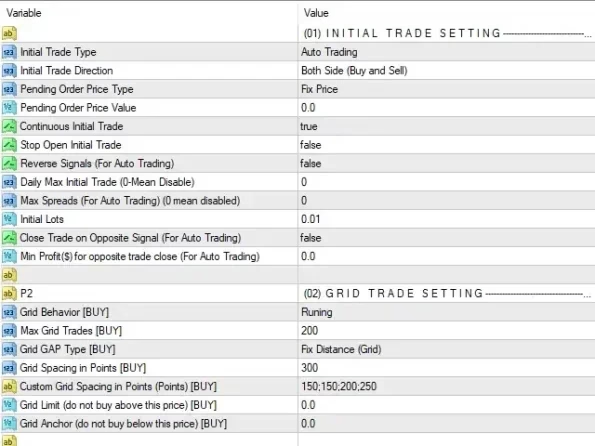
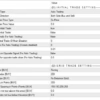
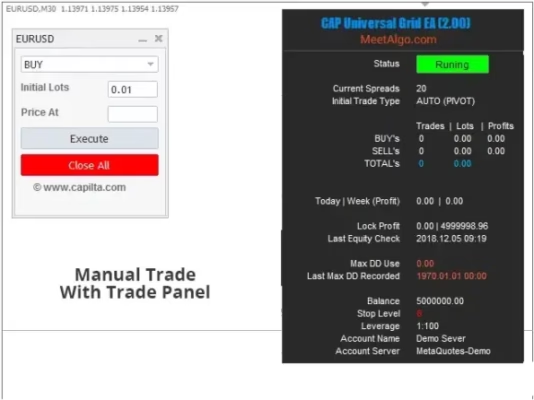
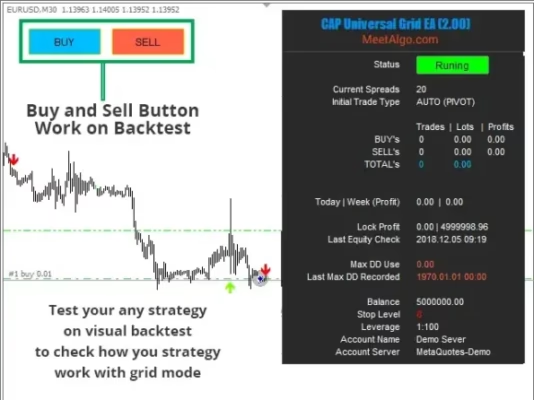
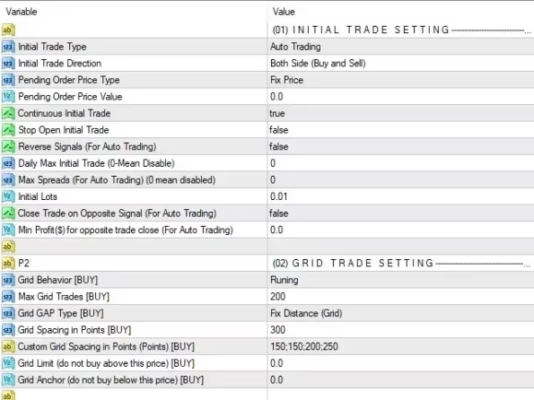
With Grid Recovery EA, traders can configure important parameters such as grid distance, lot size, position limits, and profit targets according to their trading strategy.
A typical workflow is:
- The initial trading position is opened.
- The EA monitors the market and the active position.
- If the market moves against the position by the configured grid distance, an additional trade can be opened.
- Additional positions are managed according to the selected settings.
- The EA continues managing the basket until the configured exit or profit conditions are reached.
This automated approach can reduce the need for constant manual intervention and help maintain consistent execution.
Key Features of Grid Recovery EA
Automated Grid Management
Grid Recovery EA can automate the process of adding positions according to predefined grid levels. This allows traders to create a systematic approach instead of manually calculating every additional entry.
Flexible Grid Settings
The EA provides configurable parameters that allow traders to adapt the strategy to different trading styles, instruments, and market conditions.
Depending on your setup, you can adjust parameters such as:
- Grid distance
- Initial lot size
- Lot multiplier
- Maximum number of trades
- Take profit settings
- Trade management conditions
- Risk control parameters
Recovery-Based Trade Management
A grid recovery approach can be useful when a trader wants to manage a basket of positions rather than relying on a single entry.
By adding positions according to predefined rules, the EA can help organize the recovery process and maintain consistent trading logic.
Automated Position Handling
Once the EA is properly configured, trade management can be automated according to the selected parameters. This helps reduce repetitive manual tasks and allows traders to focus on strategy development and risk management.
Flexible Risk Management
Grid strategies can increase market exposure as additional positions are opened. For this reason, appropriate risk management is essential.
Grid Recovery EA allows traders to configure key parameters so that the system can be adapted to their account size, risk tolerance, and trading objectives.
Always test your settings on a demo account before using the EA with real funds.
Why Use a Grid Recovery EA?
One of the biggest advantages of an automated grid system is consistency.
Manual grid trading requires traders to constantly monitor price movements and decide when to place additional orders. An EA can execute predefined rules automatically, helping eliminate some of the emotional decisions that can occur during periods of market volatility.
Grid Recovery EA can be useful for traders who want to:
- Automate grid-based trading strategies
- Manage multiple positions systematically
- Reduce repetitive manual trade management
- Configure their own grid parameters
- Experiment with recovery-based strategies
- Monitor and manage trading baskets more efficiently
Grid Trading Requires Proper Risk Management
It is important to understand that grid trading is not a risk-free trading strategy.
When the market continues moving in one direction, a grid system may accumulate additional positions and increase exposure. Depending on the lot size and grid configuration, this can result in significant drawdown.
For this reason, traders should carefully consider:
- Account balance and available margin
- Initial lot size
- Grid spacing
- Maximum number of positions
- Lot multiplier
- Maximum acceptable drawdown
- Trading instrument volatility
- Broker conditions
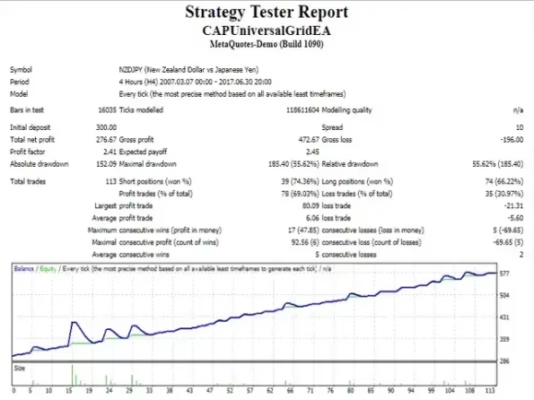
There is no EA that can guarantee profits, and past trading results do not guarantee future performance.
Suitable for Forex Traders Using MetaTrader 4
Grid Recovery EA is designed for traders who use MetaTrader 4 (MT4) and want to automate a grid-based trade management strategy.
It can be particularly interesting for traders who already understand grid trading and want a more systematic way to execute their predefined rules.
If you are new to Expert Advisors, you can also explore more automated trading solutions in our Expert Advisor collection.
Explore More Forex Trading Tools
Looking for additional tools to improve your MetaTrader trading setup?
Explore our collection of Expert Advisors for automated trading strategies and Forex systems.
You can also discover technical Indicators designed to provide additional market analysis and trading insights:
For traders, developers, and advanced users who want more flexibility, our Source Code collection provides access to trading software source-code products:
How to Get Grid Recovery EA
After completing your purchase, you can access your downloadable products through your account.
Download immediately after payment:
Access Your Downloads
Make sure you install and configure the EA correctly in your MetaTrader 4 terminal before starting any live trading activity.
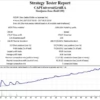
We strongly recommend testing the EA with the Strategy Tester and/or a demo account first. Adjust the parameters gradually and make sure the strategy is appropriate for your account and risk tolerance.
Need Help?
If you have questions about Grid Recovery EA, installation, configuration, or other products available from FXEAstore, our support team can help.
Support: Contact FXEAstore Support
You can also follow our Telegram channel for product updates, trading tools, and new releases:
Telegram Channel: Follow FXEAstore on Telegram
Final Thoughts
Grid Recovery EA provides a systematic way to automate grid-based position management on MetaTrader 4. With configurable grid parameters, position management options, and automated execution, it can help traders implement their predefined recovery strategies more consistently.
However, grid trading can involve substantial risk when market conditions move strongly against a position. Always use sensible risk management, test your settings thoroughly, and never trade with funds you cannot afford to lose.
If you are looking for an automated solution for your MT4 grid strategy, Grid Recovery EA can be a useful addition to your Forex trading toolkit.
Related products


Expert Advisor


Expert Advisor


Expert Advisor


Expert Advisor


Expert Advisor


Expert Advisor


Expert Advisor


Expert Advisor