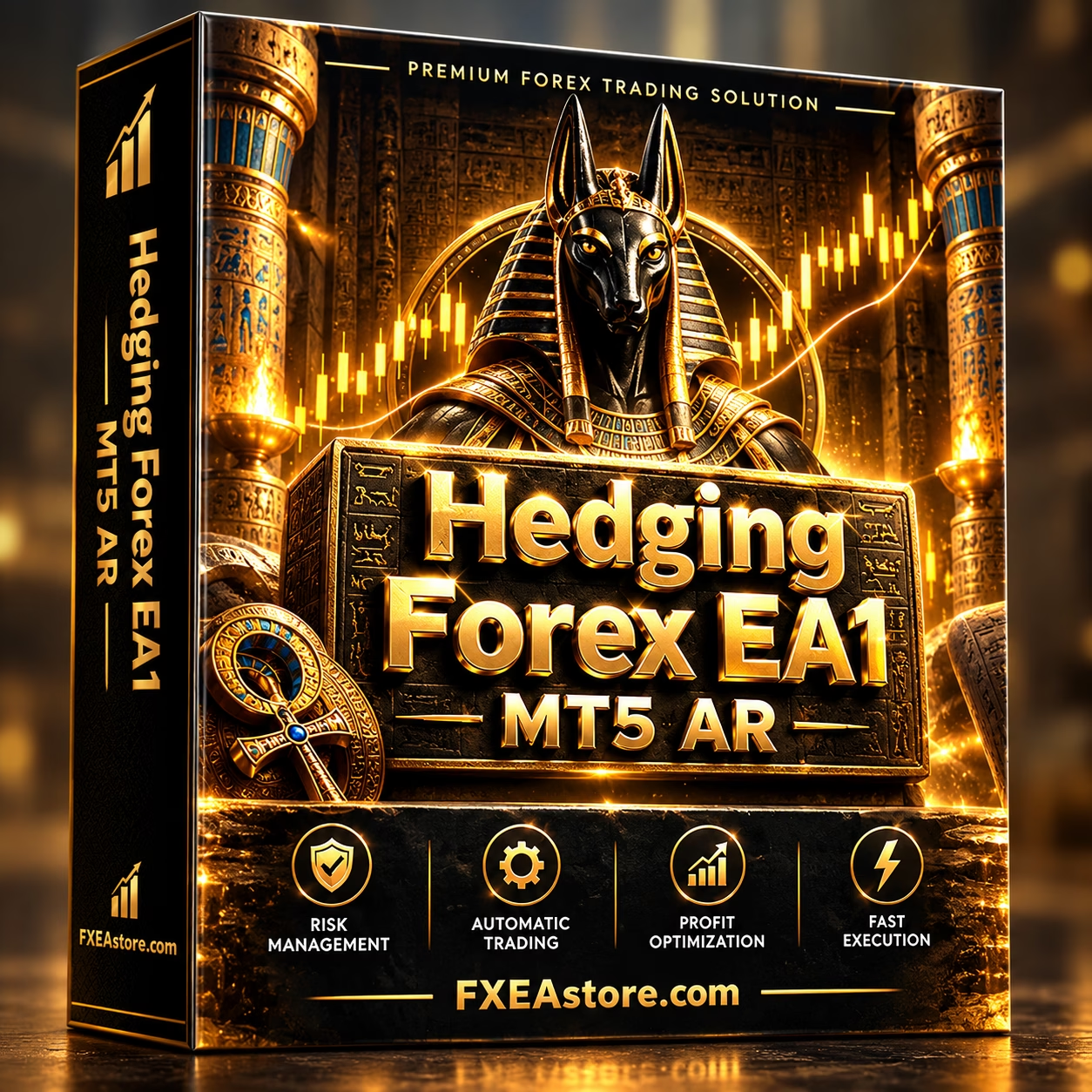
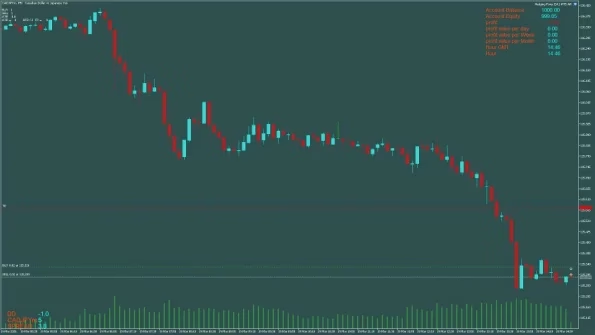

Hedging Forex EA1 MT5 AR V8.0 Unlimited
$22
Hedging Forex EA1 MT5 AR is an automated MetaTrader 5 Expert Advisor combining hedging, grid recovery, and Martingale-style position management with configurable risk controls, ATR-based Take Profit, dynamic lot sizing, and basket-level trade management.

Description
Hedging Forex EA1 MT5 AR – Automated Hedging & Grid Expert Advisor
Hedging Forex EA1 MT5 AR is an automated Expert Advisor for MetaTrader 5 designed around a combination of hedging, grid recovery, and Martingale-style position management.
Instead of treating every Forex trade as an isolated position, the EA manages related positions as a trading basket. When the market moves against an initial entry, additional recovery positions can be opened according to predefined distance and lot-sizing settings.
The system also provides configurable tools for ATR-based Take Profit, automatic lot sizing, spread filtering, trading-hour controls, maximum position limits, daily targets, and equity protection.
For traders looking for automated basket-based Forex management, Hedging Forex EA1 MT5 AR provides a wide range of parameters that can be adjusted according to account size, broker conditions, and individual risk preferences.
Key Features of Hedging Forex EA1 MT5 AR
- Automated Forex trading on MetaTrader 5
- Hedging-based position management
- Grid recovery methodology
- Martingale-style lot progression options
- Basket-level profit management
- Combined break-even calculation
- Fixed Take Profit option
- ATR-based dynamic Take Profit
- Automatic lot sizing
- Manual initial lot configuration
- Configurable MaxRisk parameter
- Daily profit target
- Equity and loss protection
- Maximum spread filter
- Configurable trading hours
- Maximum open-position control
- Maximum recovery lot control
- Continuous trading option
- MagicNumber management
- Recommended M5 timeframe
- Designed for selected Forex currency pairs
- DLL-based EA
- Version 8.0
- Build 6180+
How Hedging Forex EA1 MT5 AR Works
Hedging Forex EA1 MT5 AR uses a basket-oriented approach rather than relying exclusively on individual trade exits.
1. Initial Trade Entry
The EA first evaluates the configured market-entry conditions. When an opportunity is detected, it can open an initial Buy or Sell position.
This trade becomes the starting point of a new trading basket.
2. Hedging & Grid Recovery
If price moves against the initial position by the configured distance, the EA can open additional recovery trades.
Depending on the selected settings, these positions may use a different direction and adjusted lot size. The recovery process can continue until the configured maximum number of positions or other restrictions are reached.
3. Basket-Level Management
Instead of managing each position independently, the EA evaluates the combined basket.
It can calculate the basket’s break-even level and monitor the overall result of the open positions. When the configured profit conditions are reached, the basket can be closed as a group.
4. ATR-Based Take Profit
The Open_ATR option allows the EA to use ATR-based Take Profit instead of a fixed Take Profit distance.
When enabled, the Average True Range indicator is used to adapt the profit target according to current market volatility.
This gives traders an alternative to using a static Take Profit value.
Hedging, Grid & Recovery Trading Strategy
The core methodology combines several position-management techniques:
- Initial market entry
- Hedging positions
- Grid-based recovery trades
- Configurable lot progression
- Basket-level profit calculation
- Break-even management
- Fixed Take Profit
- ATR-based Take Profit
- Equity protection
- Maximum trade limits
- Maximum lot controls
The purpose of this structure is to manage a sequence of related positions as a basket when the market temporarily moves against the initial trade.
However, because additional positions can increase overall exposure, proper capital allocation and risk management are essential when using this type of strategy.
Dynamic Lot Sizing & Risk Controls
Hedging Forex EA1 MT5 AR provides both automatic and manual position-sizing options.
Auto_Lots
When Auto_Lots is enabled, the EA can calculate the initial lot according to account balance and the configured MaxRisk parameter.
When disabled, the EA uses the manually specified Lot1 value.
MaxRisk
MaxRisk controls the percentage-based risk parameter used with automatic lot calculation.
Because the initial lot can affect the exposure of the entire recovery basket, this setting should be evaluated carefully together with Max_Open, Max_Lots, and Multiplication_Mode.
Max_Open
Max_Open defines the maximum number of positions that can be opened within a Grid basket.
Limiting the number of positions can help control how large a recovery sequence can become.
Max_Lots
Max_Lots establishes the maximum lot size allowed for an individual recovery position.
This provides an additional limit on position-size expansion.
Multiplication_Mode
This parameter controls how recovery lot sizes are increased.
Depending on the selected mode, the EA can use different progression methods, including adding or multiplying lot sizes.
Because larger recovery positions can significantly increase exposure, this parameter should be thoroughly tested before live deployment.
Daily Profit & Equity Protection
The EA includes several parameters for managing account-level trading activity.
Daily Profit Target
The win_USD parameter can define a daily profit target in the account’s deposit currency.
When the configured target is reached, the EA can close active trades and stop opening new trades for the rest of the trading day.
Setting the value to zero disables this function.
Equity Protection
The Loss_USD parameter can be used as an equity-protection threshold.
If floating losses reach the configured monetary amount, the EA can close relevant trades.
This provides an additional account-level control, although actual execution can still be affected by market gaps, liquidity, slippage, and broker conditions.
Recommended Trading Setup
According to the supplied configuration, the recommended setup is:
| Setting | Recommendation |
|---|---|
| Platform | MetaTrader 5 |
| EA | Hedging Forex EA1 MT5 AR |
| Version | 8.0 |
| Build | 6180+ |
| Timeframe | M5 |
| Initial Lot | 0.02 per $5,000 |
| Recommended Capital | $5,000 Standard Account |
| Broker | Low-spread account |
| Trading Style | Hedging / Grid / Recovery |
| Take Profit | Fixed or ATR-based |
| Position Management | Basket-based |
| DLL | Required |
The recommended starting configuration is 0.02 initial lot per $5,000. This should be treated as a product configuration reference rather than a guarantee of a specific risk level or trading result.
Recommended Forex Pairs
The supplied configuration lists the following Forex pairs:
- GBPJPY
- EURJPY
- GBPUSD
- EURUSD
- AUDCAD
- USDCAD
The behavior of a Grid and Hedging strategy can vary considerably between currency pairs and market conditions.
A pair that experiences suitable price movement during one period may later enter a prolonged directional trend. Therefore, each pair and configuration should be independently tested before live deployment.
M5 Timeframe for Automated Forex Trading
The recommended timeframe for Hedging Forex EA1 MT5 AR is M5, representing the 5-minute chart.
This setup is intended for short-term Forex market movements while the EA manages multiple positions as part of a trading basket.
The actual suitability of a timeframe can depend on:
- Currency pair
- Broker conditions
- Spread
- Trading hours
- Market volatility
- EA parameters
- Account capital
If you change the recommended setup, conduct separate backtesting and forward testing before considering live trading.
One Currency Pair Per Account
A key configuration recommendation is to run the EA on one currency pair per account.
Using the EA simultaneously on several currency-pair charts with the same account capital can increase:
- Number of open positions
- Margin requirements
- Total market exposure
- Potential drawdown
A simple configuration structure is:
One Account → One Currency Pair → One EA Trading Cycle
This approach does not remove market risk, but it can make the EA’s overall exposure easier to monitor.
Important EA Settings
Hedging Forex EA1 MT5 AR includes a broad selection of parameters.
Open_ATR
Enables or disables ATR-based Take Profit.
- True: ATR-based Take Profit
- False: Fixed TakeProfit value
Period / Timeframe
Controls the ATR calculation settings when ATR-based management is enabled.
Lot1
Defines the initial lot size when automatic lot calculation is disabled.
The supplied recommendation is 0.02 per $5,000.
TakeProfit
Defines the fixed Take Profit distance when ATR-based Take Profit is disabled.
StopLoss
Defines the fixed Stop Loss distance.
The supplied configuration uses a default value of zero, meaning the system relies heavily on hedging and basket management rather than a conventional hard Stop Loss on every position.
Max_SPREAD
Defines the maximum spread allowed for opening new trades.
Time_Start / Time_End
Controls the trading hours during which new trading cycles can be initiated.
Continuous_trading
Allows the EA to continue searching for new setups after a previous basket has been completed.
MagicNumber
Provides a unique identifier so the EA can distinguish and manage its own trades.
Low-Spread Broker Conditions
A low-spread trading account is recommended for Hedging Forex EA1 MT5 AR.
This is particularly relevant for Grid and basket-based systems because multiple positions may generate multiple transaction costs.
When evaluating a broker, traders should also consider:
- Spread
- Commission
- Execution speed
- Slippage
- Liquidity
- Margin requirements
- Leverage
- Trading hours
- Symbol specifications
A low spread alone does not guarantee favorable trading results.
Understanding Grid & Martingale Risk
Hedging Forex EA1 MT5 AR uses recovery techniques that can increase the number and size of open positions.
If the market moves persistently in one direction without the retracement anticipated by the recovery logic, multiple positions can accumulate.
Depending on the selected parameters, this can result in:
- Increasing floating losses
- Higher margin requirements
- Larger market exposure
- Greater drawdown
- Rapid position-size expansion
- Potential account-level losses
For this reason, Max_Open, Max_Lots, Loss_USD, MaxRisk, and Multiplication_Mode should be considered together when configuring the EA.
This is particularly important for Grid and Martingale-style systems.
How to Prepare Hedging Forex EA1 MT5 AR
Before using the EA on a live account, a structured testing process is recommended:
- Install Hedging Forex EA1 MT5 AR on MetaTrader 5.
- Select one recommended Forex pair.
- Use the M5 timeframe.
- Check the broker’s spread and commission.
- Configure the initial lot size.
- Review the recovery and lot-progression settings.
- Set appropriate Max_Open and Max_Lots limits.
- Configure Loss_USD where appropriate.
- Backtest the EA with suitable historical data.
- Forward-test on a Demo or Cent Account.
- Monitor margin usage and maximum drawdown.
- Evaluate the EA under adverse market conditions before considering live deployment.
Who Is Hedging Forex EA1 MT5 AR For?
This Expert Advisor may be relevant to traders interested in automated:
- Forex hedging
- Grid trading
- Basket trading
- Recovery trading
- Martingale-style position management
- MT5 Expert Advisors
- M5 automated Forex trading
- ATR-based Take Profit
- Automated exposure controls
It is best understood as a specialized basket-management EA rather than a conventional single-position Forex robot.
If you are looking for more automated trading software, you can explore the full Expert Advisor collection on FxEAstore.com.
Explore More Forex Trading Tools
FxEAstore.com also provides other categories of downloadable Forex products.
For technical-analysis tools and trading signals, visit the Indicator collection.
For traders and developers looking for editable MQL source files, explore the Source Code collection.
Download Hedging Forex EA1 MT5 AR
After completing your purchase, you can access your product through your account and download immediately after payment.
Download immediately after payment
For product questions or installation assistance, you can contact FxEAstore Support.
You can also follow the FxEAstore Telegram Channel for product updates and new releases.
Final Overview
Hedging Forex EA1 MT5 AR is an automated MetaTrader 5 Expert Advisor built around Hedging, Grid, and Martingale-style recovery techniques.
Its basket-based management can combine multiple positions, calculate a combined break-even level, and manage the basket toward a configured profit objective. The EA also includes ATR-based Take Profit, automatic lot sizing, trading-hour controls, spread filtering, maximum position limits, recovery lot controls, daily profit targets, and equity protection.
The recommended configuration uses the M5 timeframe, one currency pair per account, and an initial lot reference of 0.02 per $5,000.
Because Grid, Hedging, and Martingale-style recovery can increase exposure during prolonged adverse market movements, users should maintain adequate margin and thoroughly test the EA before using real funds.
Risk Disclaimer
Forex trading involves substantial financial risk and may result in significant losses. Hedging, Grid, and Martingale-style strategies can accumulate multiple positions and increase market exposure.
The recommended capital and lot configuration is a product guideline, not a guarantee of safety or profitability.
Actual trading results can be affected by volatility, spread, slippage, liquidity, commissions, leverage, broker execution, market gaps, account size, and EA parameters.
Always test Hedging Forex EA1 MT5 AR on a Demo or Cent Account before live deployment and carefully evaluate the maximum potential exposure of the recovery system.
Related products


Expert Advisor


Expert Advisor




Expert Advisor


Expert Advisor


Expert Advisor
IS New Project EA MT4 Unlimited with SetFiles (latest build)


Expert Advisor


Expert Advisor