
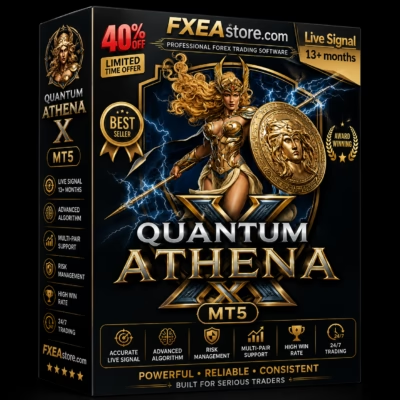
Quantum Athena X MT5 V2.2 Unlimited
$15
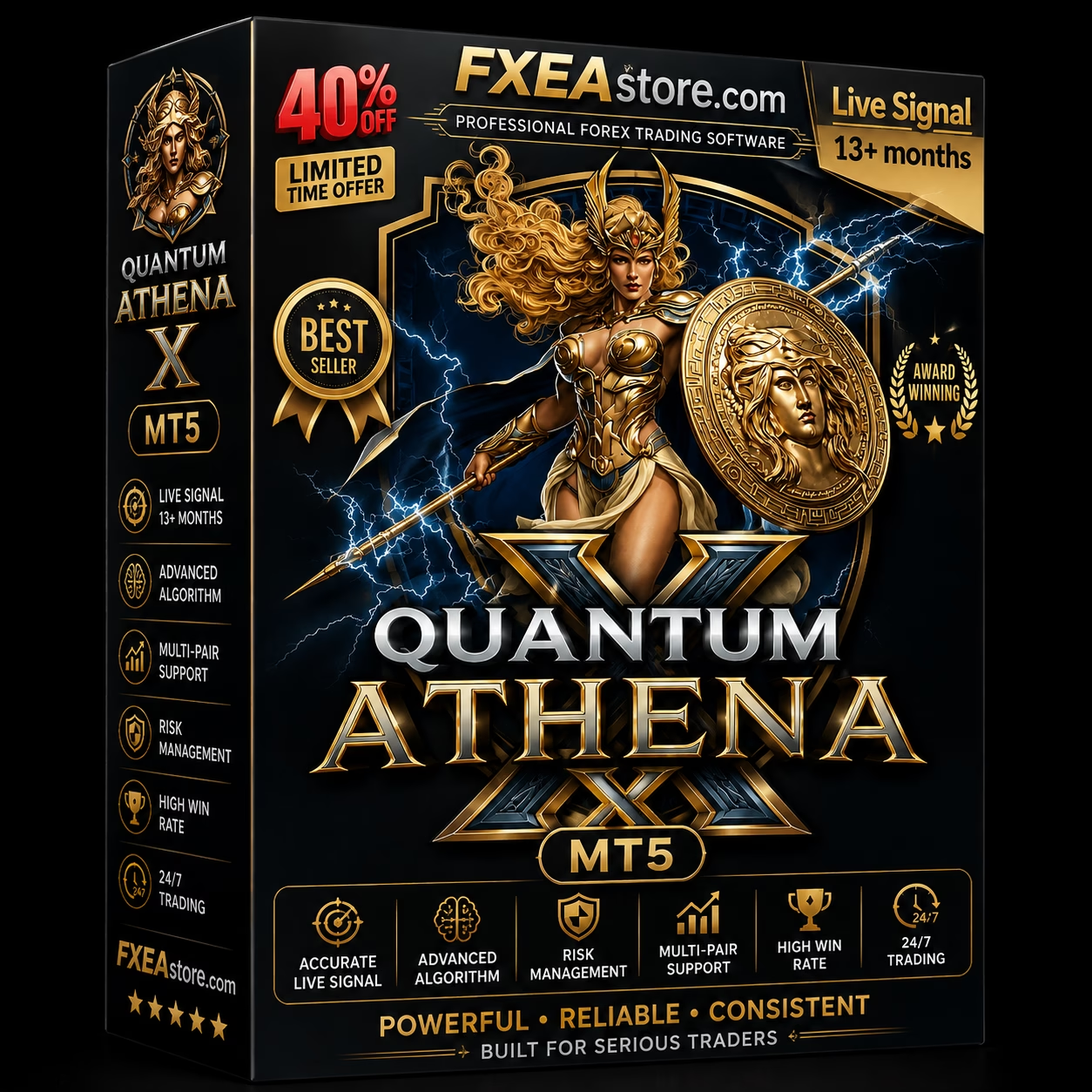
Quantum Athena X MT5 is an advanced MetaTrader 5 Expert Advisor designed for automated Forex trading with intelligent market analysis, flexible risk management, and systematic trade execution. Built for traders seeking a structured automated solution, it provides multiple configurable parameters to adapt the trading approach to different market conditions.

Description
Quantum Athena X MT5 – Advanced Automated Forex Trading System
Quantum Athena X MT5 – Intelligent Automated Forex Trading
Quantum Athena X MT5 is an advanced automated trading solution developed for the MetaTrader 5 platform. It is designed to help traders automate their Forex strategies while maintaining greater control over trading parameters and risk management.
Instead of manually monitoring the market throughout the day, the EA continuously analyzes price movements and executes trades according to its programmed trading logic.
This makes Quantum Athena X MT5 suitable for traders who want to combine automation with a structured and customizable trading environment.
Explore more automated trading solutions in our Expert Advisor collection.
What Is Quantum Athena X MT5?
Quantum Athena X MT5 is a MetaTrader 5 Expert Advisor created for automated Forex trading.
The EA is designed to analyze market conditions, identify potential trading opportunities, and manage positions according to predefined parameters.
Its automated approach can help reduce the need for constant manual chart monitoring while allowing traders to maintain control over important settings such as trading conditions, position sizing, and risk parameters.
Quantum Athena X MT5 is particularly suitable for traders who prefer systematic trading rather than making every trading decision manually.
Automated Forex Market Analysis
One of the key benefits of Quantum Athena X MT5 is its ability to monitor the market automatically.
The EA continuously processes market information and evaluates potential trading opportunities based on its internal trading logic.
This automated workflow can help traders:
- Monitor the market continuously
- Identify potential setups automatically
- Execute trades according to predefined rules
- Reduce emotional trading decisions
- Maintain a consistent trading process
- Automate repetitive trading tasks
Automation does not eliminate market risk, but it can make the execution of a predefined strategy more consistent.
Designed for MetaTrader 5
Quantum Athena X MT5 is built specifically for MetaTrader 5, one of the most widely used platforms for automated Forex trading.
Using MT5 provides access to a powerful trading environment with advanced charting, strategy testing, automated execution, and account-management capabilities.
Once installed and configured, the EA can operate directly within the MetaTrader 5 terminal according to the selected settings.
Flexible Trading Configuration
A major advantage of Quantum Athena X MT5 is the ability to adjust its trading parameters according to individual preferences.
Depending on the available configuration, traders can customize important aspects of the EA to create a trading environment that matches their preferred level of risk and trading style.
Flexible configuration can be useful for:
- Conservative trading
- Balanced trading
- More aggressive trading
- Different account sizes
- Different broker conditions
- Strategy testing
- Forward testing
Rather than treating every trading account identically, configurable parameters allow users to experiment with different approaches.
Automated Trade Execution
Manual trading requires constant attention and fast decision-making.
Quantum Athena X MT5 automates the execution process by monitoring the market and handling trades according to its programmed conditions.
The automated workflow can include:
Market Monitoring → Signal Detection → Trade Entry → Position Management → Trade Exit
This systematic approach helps reduce the influence of emotions such as fear, hesitation, and overtrading.
Risk Management
Risk management is an essential component of any automated trading system.
Quantum Athena X MT5 provides configurable trading parameters that can be used to control account exposure and position sizing.
Before using the EA on a live account, traders should carefully evaluate:
- Lot size
- Risk per trade
- Maximum exposure
- Drawdown
- Stop Loss settings
- Trading frequency
- Account leverage
- Broker conditions
Using conservative settings is generally recommended when starting with a new automated trading system.
Strategy Testing with MetaTrader 5
MetaTrader 5 provides a built-in environment for testing Expert Advisors using historical market data.
Quantum Athena X MT5 should be thoroughly tested before being deployed with real trading capital.
A recommended testing process includes:
- Install the EA on MetaTrader 5.
- Select the desired trading instrument.
- Configure conservative parameters.
- Run historical backtests.
- Analyze drawdown and trading frequency.
- Test different market periods.
- Perform forward testing on a demo account.
- Monitor live-market behavior.
- Gradually increase exposure only after sufficient testing.
Backtesting results should be interpreted carefully because historical performance does not guarantee future results.
Suitable for Automated Forex Traders
Quantum Athena X MT5 can be useful for traders who want to automate their Forex trading workflow.
It may be suitable for:
- Beginner algorithmic traders
- Experienced Forex traders
- MT5 users
- Automated trading enthusiasts
- Traders who prefer systematic execution
- Traders interested in Expert Advisors
- Users who want to reduce manual monitoring
- Traders looking for configurable automated trading software
It can also serve as a tool for users who want to explore different automated trading configurations within MetaTrader 5.
Key Benefits of Quantum Athena X MT5
Automated Market Monitoring
The EA can continuously monitor the market without requiring the trader to remain in front of the chart.
Systematic Execution
Trading decisions are executed according to predefined rules rather than emotions or impulsive decisions.
Flexible Parameters
Users can adjust available settings to suit different trading preferences and account conditions.
MetaTrader 5 Compatibility
The EA is designed specifically for the MT5 environment.
Reduced Manual Work
Automation can reduce repetitive tasks associated with market monitoring and trade execution.
Testing and Optimization
Users can utilize the MetaTrader 5 Strategy Tester to evaluate different configurations before live deployment.
Why Choose Quantum Athena X MT5?
There are many Forex Expert Advisors available, but choosing an automated system should involve more than simply looking at historical returns.
Quantum Athena X MT5 provides a structured environment for traders who value:
- Automated execution
- Systematic trading
- Configurable parameters
- MetaTrader 5 compatibility
- Risk-management controls
- Backtesting
- Forward testing
- Reduced emotional intervention
The goal is to provide traders with an automated framework that can be evaluated and configured according to their own trading requirements.
Quantum Athena X MT5 Trading Workflow
The general workflow of an automated trading system can be summarized as follows:
Step 1 – Market Monitoring
The EA continuously monitors the selected market and analyzes available price information.
Step 2 – Trading Condition Analysis
The system evaluates the market according to its programmed trading logic.
Step 3 – Signal Identification
When the required conditions are satisfied, the EA identifies a potential trading opportunity.
Step 4 – Automated Execution
The EA can execute the trade according to the configured parameters.
Step 5 – Position Management
Open positions are managed according to the system’s programmed rules and user-defined settings.
Step 6 – Exit
The position is closed when the applicable exit conditions are reached.
This automated workflow allows traders to follow a systematic process without manually controlling every stage of a trade.
Installation and Setup
Getting started with Quantum Athena X MT5 requires a compatible MetaTrader 5 trading account.
The general setup process is:
- Open MetaTrader 5.
- Access the appropriate Expert Advisors directory.
- Install the EA files.
- Restart or refresh MetaTrader 5.
- Attach Quantum Athena X MT5 to the desired chart.
- Review the available settings.
- Configure your preferred risk parameters.
- Enable automated trading.
- Begin with backtesting or demo testing.
Always verify that the EA is operating correctly before allowing it to trade with real funds.
Recommended Testing Approach
For the best evaluation, avoid immediately placing the EA on a live account with high risk.
Instead, use a structured testing process.
Phase 1 – Backtest
Analyze historical performance across different market conditions.
Phase 2 – Demo Testing
Run the EA on a demo account to observe real-time execution.
Phase 3 – Small-Scale Live Testing
If the results are satisfactory, consider starting with a conservative risk level.
Phase 4 – Ongoing Monitoring
Regularly monitor:
- Drawdown
- Trading frequency
- Execution quality
- Spread
- Slippage
- Broker conditions
- Account exposure
This approach provides a more realistic understanding of how an automated trading system behaves in actual market conditions.
Broker and VPS Considerations
The performance of an Expert Advisor can be affected by the trading environment.
For automated Forex trading, traders should consider:
- Broker execution quality
- Spread
- Commission
- Slippage
- Server stability
- Trading conditions
- Leverage
- Account type
- VPS latency
A stable VPS can be particularly useful for traders who want their MetaTrader 5 terminal to remain active continuously.
Quantum Athena X MT5 Features
| Feature | Details |
|---|---|
| Platform | MetaTrader 5 |
| Product Type | Expert Advisor |
| Trading Mode | Automated |
| Market | Forex |
| Execution | Automated |
| Configuration | Flexible |
| Risk Management | Configurable |
| Backtesting | Supported through MT5 |
| Forward Testing | Recommended |
| VPS | Recommended for continuous operation |
| Manual Monitoring | Reduced requirement |
Build a More Systematic Trading Workflow
Automation can help traders move from discretionary decision-making toward a more structured trading process.
With Quantum Athena X MT5, the trader can configure the system, test its behavior, monitor performance, and adjust parameters according to their own objectives.
The most important principle is not simply to activate an EA and leave it unattended. Successful automated trading requires appropriate testing, risk management, monitoring, and ongoing evaluation.
Explore More Trading Software
Looking for additional automated trading solutions? Browse our Expert Advisor collection to discover more MT4 and MT5 trading systems.
You can also explore our Indicator collection if you are looking for technical analysis tools.
For users interested in developing or customizing automated trading software, visit our Source Code collection.
After completing your purchase, you can access your products through Download Immediately After Payment.
For updates and announcements, follow our Telegram Channel. If you need assistance, contact our Telegram Support.
Risk Disclaimer
Forex and CFD trading involves substantial financial risk and may not be suitable for every trader. Automated trading does not guarantee profits and can result in significant losses.
Past performance, backtest results, or hypothetical results should not be considered a guarantee of future performance. Actual results may differ due to market conditions, spreads, commissions, slippage, execution speed, broker conditions, and other factors.
Always test Quantum Athena X MT5 on a demo account before using real funds. Use appropriate risk management and trade only with capital you can afford to lose.
Related products


Expert Advisor


Expert Advisor


Expert Advisor


Expert Advisor


Expert Advisor


Expert Advisor
IS New Project EA MT4 Unlimited with SetFiles (latest build)


Expert Advisor


Expert Advisor