Sniper Pro MQ5 Source Code V5.0 Unlimited
$10
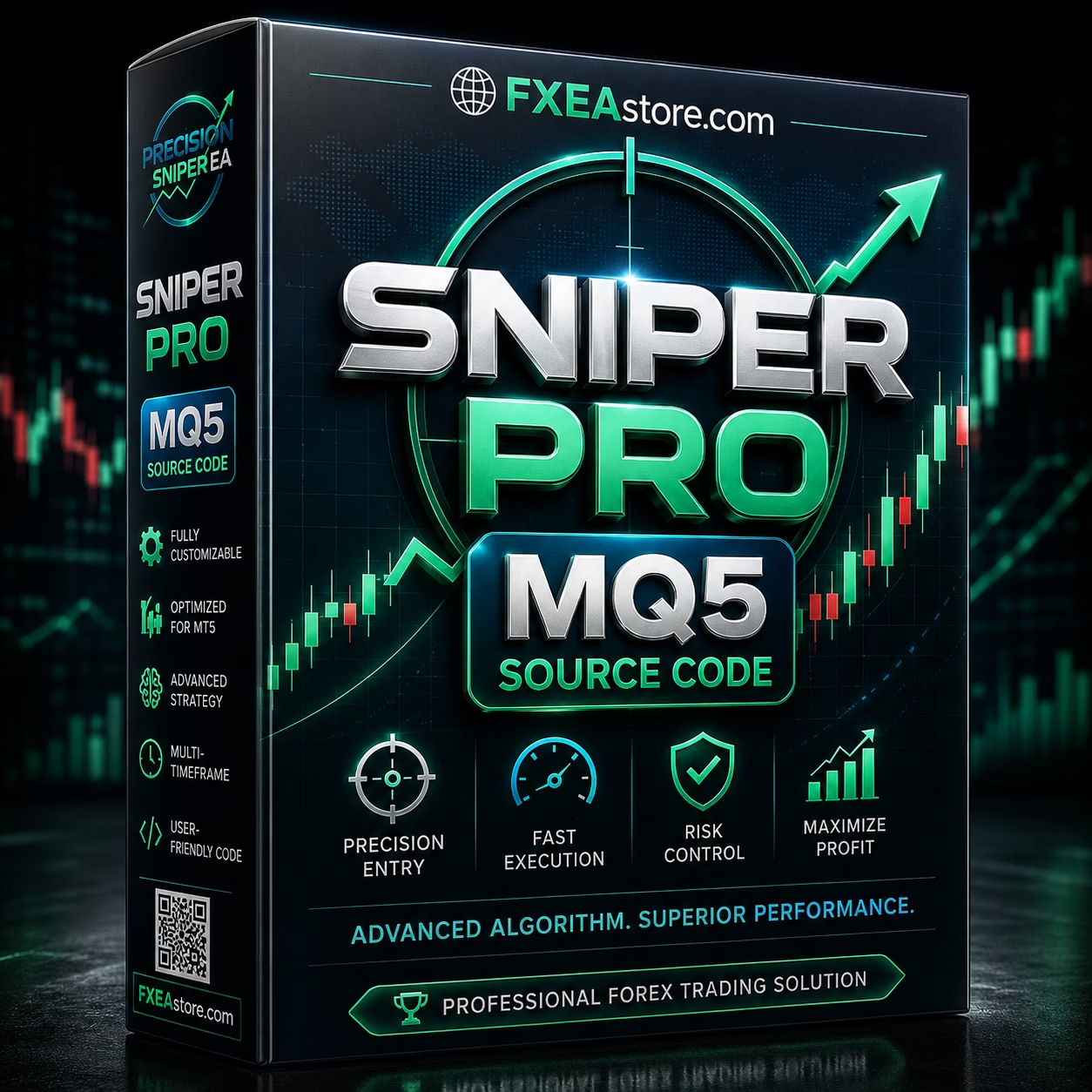
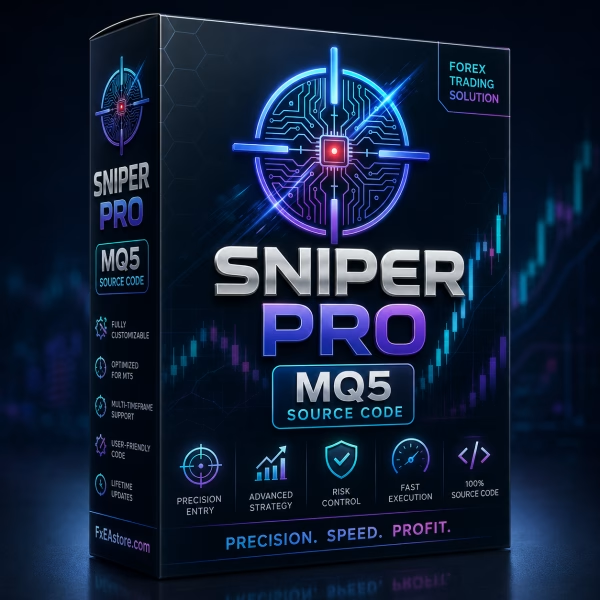
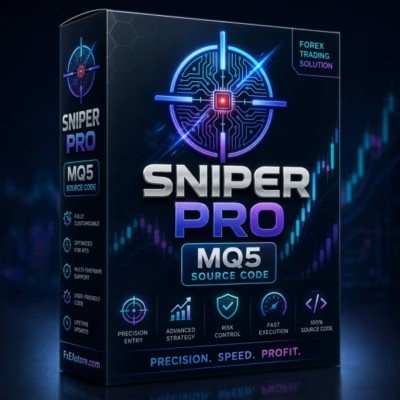
Sniper Pro MQ5 Source Code is a flexible MetaTrader 5 trading system designed for all timeframes and currency pairs. It provides structured trade setups with Entry, Stop Loss, multiple Take Profit levels, and partial profit-taking. With direct MQ5 source-code access, traders and MQL5 developers can study, customize, test, and further develop the trading framework.

Description
Sniper Pro MQ5 Source Code – Professional Multi-Market Trading System for MT5
Sniper Pro MQ5 Source Code – Flexible Automated Trading for MT5
Sniper Pro MQ5 Source Code is a professional MetaTrader 5 trading system created for traders and MQL5 developers who want greater flexibility, transparency, and control over an automated trading solution.
The system is designed to work across all available MT5 timeframes and currency pairs, giving users the freedom to evaluate different markets and trading styles using the same trading framework.
Instead of providing only a compiled Expert Advisor, this version gives users direct access to the MQ5 source code. This makes it possible for experienced developers to study the trading architecture, test the system, customize selected components, and potentially develop additional functionality.
If you are interested in ready-to-use automated trading systems, explore our Expert Advisor collection.
What Is Sniper Pro MQ5 Source Code?
Sniper Pro MQ5 Source Code is an MQL5 source-code trading framework developed specifically for MetaTrader 5.
The system provides structured trade setups that include:
- Entry level
- Stop Loss
- Multiple Take Profit levels
- Partial profit-taking
- Position-management logic
This creates a complete framework for managing a potential trade from entry through exit.
The source-code version is particularly useful for traders and developers who want to understand and work with the underlying MQL5 logic instead of being limited to a compiled trading robot.
Multi-Timeframe Trading Flexibility
One of the main strengths of Sniper Pro MQ5 Source Code is its support for all MetaTrader 5 timeframes.
Users can evaluate the system across:
- M1
- M5
- M15
- M30
- H1
- H4
- D1
- Other available MT5 timeframes
This flexibility allows traders to choose timeframes that match their preferred trading style.
Shorter timeframes may be evaluated for more frequent market opportunities, while higher timeframes can provide a broader view of market structure.
The ideal timeframe depends on the trader’s strategy, risk tolerance, broker conditions, and testing results.
Compatible with All Currency Pairs
Sniper Pro is designed as a multi-market Forex trading solution rather than being restricted to a single currency pair.
The system can be evaluated across different currency pairs, allowing traders to explore multiple Forex markets using one trading framework.
This flexibility can be useful for users who want to:
- Test different currency pairs
- Compare market behavior
- Diversify their automated trading environment
- Evaluate different volatility conditions
- Develop pair-specific configurations
However, performance can vary significantly between instruments, so each currency pair should be tested independently before live deployment.
Complete Trade Setup: Entry, SL and TP
A professional trading system needs more than an entry signal.
Sniper Pro provides a structured setup consisting of:
Entry
The system identifies a valid trading opportunity and provides an entry framework.
Stop Loss
A predefined Stop Loss establishes a clear risk boundary for the trade.
Multiple Take Profit Levels
Instead of relying on a single profit target, Sniper Pro supports multiple Take Profit levels.
This creates a more flexible trade-management structure and allows users to consider different stages of profit realization.
Together, these components create a clear trading plan from entry to exit.
Multiple Take Profit Levels
A key feature of Sniper Pro is its support for multiple Take Profit levels.
Instead of closing the entire position at one fixed target, the trading framework can divide profit objectives across several levels.
This provides greater flexibility when managing a position.
For example, traders may choose to secure part of a position at an earlier target while allowing the remaining position to continue toward additional targets.
Multiple TP levels can therefore support a more structured approach to profit management.
Partial Profit-Taking
Sniper Pro also supports partial profit-taking as price moves in the expected direction.
The concept is simple:
Secure part of the position → Allow the remaining position to continue.
This approach can provide more flexibility than closing the entire trade at the first Take Profit level.
Partial position management may help traders balance two objectives:
- Locking in a portion of potential profit
- Maintaining exposure to a continued market move
Actual results depend on execution, market conditions, position sizing, and broker specifications.
Structured Risk Management
Risk management is an essential component of the Sniper Pro trading framework.
Each trade setup incorporates a predefined Stop Loss, giving traders a clear level at which the trading idea is considered invalid.
This helps define potential downside before a position is opened.
Professional trading is not only about identifying opportunities. It is also about clearly defining the risk associated with each opportunity.
With Entry, Stop Loss, and multiple Take Profit levels, Sniper Pro provides a structured framework for evaluating and managing trades.
MQ5 Source Code for Developers
The primary advantage of this product is direct access to the MQ5 Source Code.
Instead of being limited to a compiled EX5 Expert Advisor, MQL5 developers and advanced users can work directly with the underlying source-code framework.
This can provide greater flexibility for:
- Studying the trading architecture
- Understanding the trading logic
- Customizing trading conditions
- Adjusting parameters
- Developing additional features
- Modifying position management
- Adding custom filters
- Performing advanced testing
- Creating customized versions
For developers who want more than a black-box EA, source-code access provides a foundation for further research and development.
For more developer-focused products, visit our Source Code collection.
Designed for MetaTrader 5
Sniper Pro MQ5 Source Code is developed specifically for the MetaTrader 5 platform and uses the MQL5 programming environment.
MT5 provides a comprehensive ecosystem for:
- Automated trading
- Expert Advisor development
- Historical backtesting
- Strategy optimization
- Algorithmic trading
- Technical analysis
- Custom MQL5 development
Developers can work with the source code in MetaEditor and use the MT5 Strategy Tester to evaluate different configurations.
A Flexible Framework for Different Trading Styles
Because Sniper Pro MQ5 Source Code supports all timeframes and currency pairs, it can be evaluated across multiple trading approaches.
Potential applications include:
- Short-term trading
- Intraday trading
- Swing trading
- Multi-timeframe analysis
- Automated Forex trading
- Algorithmic trading
- Strategy development
- Trading-system research
The system should not be assumed to perform equally across every timeframe or currency pair.
Proper backtesting and forward testing are essential for identifying configurations that may be appropriate for a particular trading objective.
Professional Trade Management Framework
Sniper Pro MQ5 Source Code is designed to create a structured workflow from signal generation through position management.
The basic process can be summarized as:
Valid Signal → Entry → Stop Loss → Multiple Take Profit Levels → Partial Profit-Taking
This structured approach can reduce reliance on discretionary decisions once a trade is active.
It also provides developers with a clear framework that can potentially be examined and customized through the MQ5 source code.
Low Starting Account Requirement
Sniper Pro MQ5 Source Code is designed to be accessible to traders with smaller accounts.
The listed minimum deposit is $100. However, a low minimum deposit should never be interpreted as a recommendation to trade aggressively.
The appropriate account size depends on:
- Leverage
- Position sizing
- Broker requirements
- Trading frequency
- Drawdown tolerance
- Risk per trade
- Overall account exposure
Traders should always use conservative risk management and determine their own appropriate capital requirements through testing.
Why Choose Sniper Pro MQ5 Source Code?
Sniper Pro MQ5 Source Code combines a flexible multi-market trading framework with direct MQ5 source-code access.
Key advantages include:
- MetaTrader 5 compatibility
- MQL5 source-code access
- All-timeframe support
- All-currency-pair compatibility
- Structured Entry signals
- Predefined Stop Loss
- Multiple Take Profit levels
- Partial profit-taking
- Structured position management
- Flexible development potential
- Minimum deposit from $100
For traders, the system provides a structured approach to trade setup and position management.
For MQL5 developers, it provides a foundation that can be analyzed, customized, tested, and potentially extended.
Sniper Pro MQ5 Source Code Features at a Glance
| Feature | Details |
|---|---|
| Product | Sniper Pro MQ5 Source Code |
| Platform | MetaTrader 5 |
| Programming Language | MQL5 |
| Timeframes | All MT5 Timeframes |
| Currency Pairs | All Pairs |
| Trade Setup | Entry + Stop Loss + Multiple Take Profit |
| Position Management | Partial Profit-Taking |
| Source Code | MQ5 |
| Trading Environment | Automated / Algorithmic Trading |
| Minimum Deposit | $100 |
A Practical Foundation for Algorithmic Forex Trading
Sniper Pro MQ5 Source Code is more than a basic trading signal tool.
It provides a structured foundation for users who want to work with automated trading logic while maintaining greater access to the underlying MQL5 architecture.
With support for multiple timeframes, multiple currency pairs, complete trade setups, multiple profit targets, and partial position management, Sniper Pro offers a flexible starting point for traders and developers interested in systematic Forex automation.
Source Code Customization Potential
For experienced MQL5 developers, access to source code can open the door to additional customization.
Depending on the developer’s requirements and the structure of the code, potential development areas may include:
Custom Entry Filters
Additional conditions can potentially be investigated to refine trade selection.
Risk Management
Developers can explore different position-sizing or risk-management models.
Trade Management
Existing Take Profit, Stop Loss, or partial-close behavior can potentially be adapted.
Additional Filters
Technical, time-based, volatility, or market-specific filters may be integrated where appropriate.
Custom Notifications
Developers can potentially extend the system with additional alerts or notifications.
Any modification should be thoroughly tested before being used in a live trading environment.
Testing and Validation
Professional traders should never rely solely on a product description when evaluating an automated trading system.
Before deploying Sniper Pro with real capital, users should:
- Compile and test the source code in MetaTrader 5.
- Evaluate different currency pairs.
- Compare multiple timeframes.
- Analyze historical drawdown.
- Review trading frequency.
- Test different position-sizing configurations.
- Evaluate multiple Take Profit configurations.
- Forward-test on a demo account.
- Verify execution conditions with the intended broker.
- Consider live deployment only after sufficient validation.
Different instruments, timeframes, brokers, and market conditions can produce significantly different results.
Backtesting Across Multiple Markets
The multi-market design of Sniper Pro MQ5 Source Code makes systematic testing particularly important.
Rather than assuming that one configuration will work everywhere, traders can compare:
Currency Pair A → Currency Pair B → Currency Pair C
and:
M15 → M30 → H1 → H4 → D1
This process can help identify how the system behaves under different volatility, liquidity, and market-structure conditions.
Avoid excessive optimization. A configuration that performs exceptionally well on historical data may be overfitted and fail to maintain the same behavior in future markets.
Build a Customized MT5 Trading System
For MQL5 developers, the source code can serve as a starting point for further development.
A potential development workflow is:
Analyze → Modify → Compile → Backtest → Forward-Test → Validate → Deploy
This disciplined approach helps developers identify programming issues, unintended behavior, or over-optimized parameters before exposing real trading capital to the modified system.
Explore More Forex Trading Tools
If you are looking for ready-to-use automated trading solutions, explore our Expert Advisor collection.
For technical analysis tools and trading indicators, visit our Indicator collection.
Developers looking for additional MQL4 and MQL5 products can explore our Source Code collection.
After completing your purchase, you can access your available files through Download Immediately After Payment.
For product updates and announcements, follow our Telegram Channel.
If you need assistance with your product or order, contact our Telegram Support.
Start Your Sniper Pro MQ5 Source Code Journey
Sniper Pro MQ5 Source Code combines multi-timeframe flexibility, multi-currency compatibility, structured trade setups, multiple Take Profit levels, partial profit-taking, and direct MQL5 source-code access.
For traders, it offers a systematic framework for evaluating automated Forex trading.
For developers, it provides access to the underlying MQ5 environment for research, testing, customization, and further development.
The key to using any automated trading system effectively is disciplined testing and risk management.
Test first. Optimize carefully. Forward-test before going live.
Risk Disclaimer
Trading Forex and CFDs involves substantial financial risk. Losses are possible, and past performance does not guarantee future results.
Sniper Pro MQ5 Source Code provides trading logic and position-management functionality, but no Expert Advisor, trading system, or source code can guarantee future profitability.
Actual results may be affected by spreads, commissions, slippage, liquidity, execution speed, broker specifications, market volatility, and changing market conditions.
Users are responsible for their own testing, configuration, risk management, and trading decisions.
Always test the system on a demo account before live deployment and trade only with capital you can afford to lose.
Related products


Expert Advisor

MetaTrader 4 (MT4)


Indicator


Expert Advisor


Indicator