
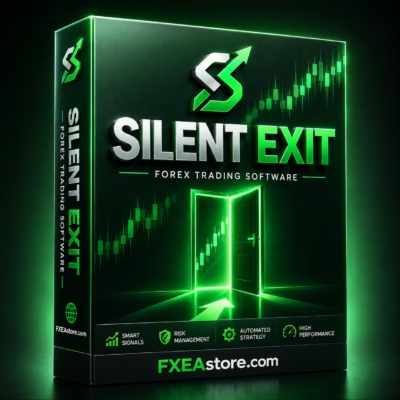
Silent Exit MT5 V2.78 Unlimited
$22
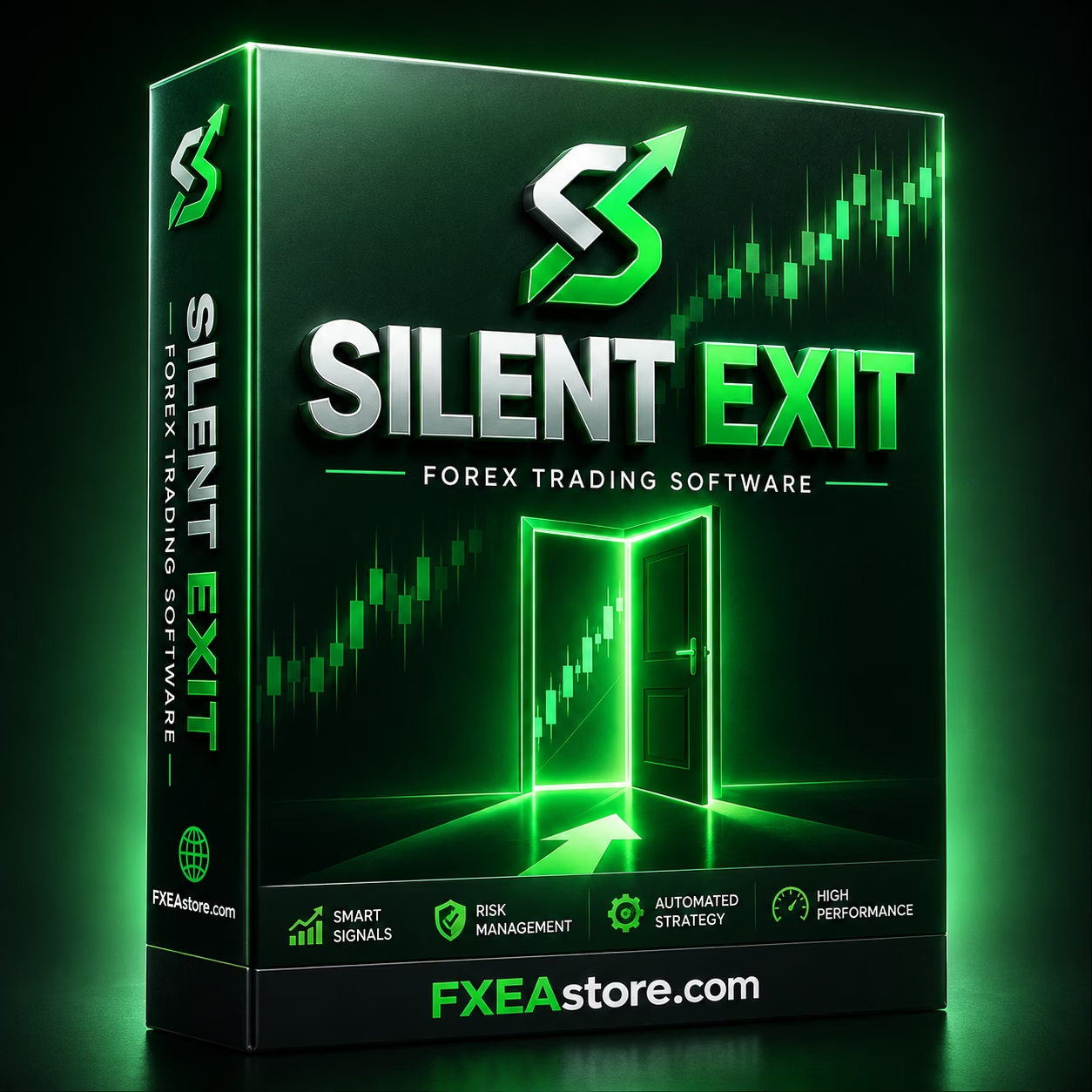
Silent Exit MT5 is an automated MetaTrader 5 Expert Advisor designed to monitor and trade seven major Forex pairs from a single EURUSD M15 chart. It combines volume acceleration analysis, multiple technical indicators, automated risk-based lot sizing, flexible position sizing, and configurable drawdown protection.

Description
Silent Exit MT5 – Automated Multi-Currency Forex Expert Advisor
Silent Exit MT5 – Smart One-Chart Multi-Currency Forex Trading
Silent Exit MT5 is a fully automated MetaTrader 5 Expert Advisor designed for traders who want to monitor and trade multiple major Forex pairs through one centralized setup.
Instead of requiring a separate chart for every currency pair, the EA is designed to operate from a single EURUSD M15 chart while internally monitoring its assigned portfolio of seven major Forex pairs.
The system combines volume acceleration analysis, multiple technical indicators, automated position sizing, flexible lot settings, and configurable drawdown protection to create a structured automated trading framework.
For traders looking for more automated trading solutions, explore our complete Expert Advisor collection.
What Is Silent Exit MT5?
Silent Exit MT5 is a multi-currency automated trading system developed specifically for MetaTrader 5.
The EA is designed to analyze and manage a portfolio of major currency pairs according to its programmed trading methodology. Its centralized architecture allows users to run the system from one recommended chart rather than manually attaching the EA to multiple charts.
Recommended Setup
- Platform: MetaTrader 5
- Chart: EURUSD
- Timeframe: M15
- Charts Required: 1
- Managed Markets: 7 major Forex pairs
- Trading Mode: Fully Automated
This one-chart design creates a cleaner MT5 workspace while allowing the system to monitor several markets simultaneously.
Trade 7 Major Forex Pairs From One Chart
A major advantage of Silent Exit MT5 is its multi-symbol monitoring capability.
The EA is designed to monitor these seven major Forex pairs:
- EURUSD
- USDCAD
- USDJPY
- NZDUSD
- USDCHF
- AUDUSD
- GBPUSD
All of these markets can be monitored through the EA’s centralized trading framework.
This broader market coverage allows the system to evaluate multiple currency markets without requiring traders to manually maintain seven separate EA charts.
However, trading multiple instruments can increase total account exposure. Because several of these pairs involve the US Dollar, correlated market movements can also affect portfolio-level risk.
One-Chart MT5 Trading System
Silent Exit MT5 is designed around a simple one-chart operating model.
Users attach the EA to:
EURUSD → M15
Once configured, the system can internally monitor its assigned currency pairs according to its programmed strategy.
One-Chart Benefits
- Cleaner MT5 workspace
- Centralized EA operation
- Multi-symbol monitoring
- Less manual chart management
- Simplified setup
- Automated market monitoring
- Centralized risk management
This structure can be particularly useful for traders who prefer to keep their MetaTrader 5 workspace organized while running a multi-currency automated strategy.
Volume Acceleration Market Analysis
One of the core analytical components of Silent Exit MT5 is volume acceleration analysis.
The system is designed to monitor changes in market activity and evaluate rapid changes in volume according to its internal trading methodology.
When market activity changes rapidly, the EA can use this information alongside other programmed conditions to evaluate potential trading opportunities.
Volume Analysis Process
Market Activity → Volume Acceleration → Indicator Confirmation → Trading Condition → Automated Execution
Volume analysis can provide useful market context, but it cannot predict every future price movement. Sudden reversals, liquidity changes, spread expansion, and unexpected volatility can still affect trading results.
Multi-Indicator Trading Logic
In addition to volume acceleration, Silent Exit MT5 incorporates multiple technical indicators into its trading framework.
Using several analytical conditions allows the system to evaluate market behavior from more than one perspective.
The general analysis process can include:
- Market activity monitoring
- Volume acceleration detection
- Technical indicator evaluation
- Momentum analysis
- Price movement assessment
- Trading setup identification
- Automated trade execution
The exact entry conditions, indicator parameters, trade duration, and number of positions depend on the EA’s internal strategy and active configuration.
Automated Risk-Based Lot Sizing
Position sizing is an important part of automated Forex trading.
Silent Exit MT5 includes an automated risk-based lot-sizing option designed to calculate trading volume according to the configured risk parameters and account conditions.
Depending on the selected settings, the lot calculation can take factors such as:
- Account balance
- Risk configuration
- Stop Loss distance
- Active trading settings
- Position-management conditions
This approach allows position size to be calculated systematically instead of relying on the same fixed lot size for every trade.
However, automated lot sizing does not eliminate risk. Actual financial exposure also depends on leverage, margin, spreads, commissions, slippage, market volatility, and simultaneous positions.
Flexible Lot Size Options
Not every trader uses the same position-sizing approach.
For this reason, Silent Exit MT5 provides multiple lot-management options.
Available Approaches
Automatic Risk-Based Lot
The EA can calculate position size according to the selected risk parameters.
Fixed Lot
Traders can use a predefined lot size when preferred.
Manual Lot
Users can manually configure trading volume according to their own strategy and account requirements.
This flexibility allows traders to choose a position-sizing method that better fits their trading environment.
Remember that increasing lot size also increases potential gains and losses.
Configurable Drawdown Protection
Risk control is another important component of Silent Exit MT5.
The EA includes configurable drawdown protection, allowing users to define a drawdown threshold within the available settings.
The general process is:
Active Trading → Account Monitoring → Drawdown Threshold → Configured Protective Action
This feature is designed to provide an additional layer of control when account losses reach the selected threshold.
However, drawdown protection cannot guarantee that losses will stop at an exact percentage or amount. Fast market movements, gaps, slippage, execution delays, and multiple simultaneous positions can cause actual results to differ from configured thresholds.
Automated Trade Management
After identifying a qualifying setup, Silent Exit MT5 can handle trading operations according to its programmed strategy.
The automated workflow can be summarized as:
- Monitor supported Forex pairs.
- Analyze market activity.
- Evaluate volume acceleration.
- Apply multiple technical indicators.
- Identify potential trading conditions.
- Calculate position size.
- Execute qualifying trades.
- Manage positions according to the programmed rules.
- Monitor account drawdown.
This systematic process reduces the need for constant manual execution while keeping trading activity based on predefined rules.
Silent Exit MT5 Trading Workflow
The EA follows a structured multi-stage approach.
Step 1 – Market Monitoring
The system monitors its assigned seven major Forex pairs.
Step 2 – Volume Analysis
It evaluates changes in market activity and volume acceleration.
Step 3 – Indicator Confirmation
Multiple technical indicators are incorporated into the analytical framework.
Step 4 – Trading Setup Detection
The EA evaluates whether the required programmed conditions are satisfied.
Step 5 – Position Sizing
Depending on the selected settings, the system calculates automatic, fixed, or manual lot sizes.
Step 6 – Automated Execution
Qualifying trading opportunities are handled according to the EA’s internal rules.
Step 7 – Risk Monitoring
The system monitors account conditions and applies its configured drawdown protection when applicable.
Why Choose Silent Exit MT5?
Silent Exit MT5 is designed for traders who want a centralized automated Forex system rather than a collection of individually managed charts.
Its combination of multi-currency monitoring, volume analysis, technical indicators, automated position sizing, and drawdown protection creates a comprehensive framework for systematic Forex trading.
Key Advantages
- Fully automated MetaTrader 5 EA
- Seven major Forex pairs
- One-chart operation
- EURUSD M15 recommended setup
- Multi-symbol monitoring
- Volume acceleration analysis
- Multiple technical indicators
- Automated risk-based lot sizing
- Fixed lot option
- Manual lot option
- Configurable drawdown protection
- Centralized trade management
- Automated market monitoring
- Structured trading workflow
Silent Exit MT5 Specifications
| Feature | Details |
|---|---|
| Product Name | Silent Exit MT5 |
| Platform | MetaTrader 5 |
| Trading Mode | Fully Automated |
| Recommended Chart | EURUSD |
| Recommended Timeframe | M15 |
| Charts Required | 1 |
| Managed Markets | 7 Major Forex Pairs |
| EURUSD | Supported |
| USDCAD | Supported |
| USDJPY | Supported |
| NZDUSD | Supported |
| USDCHF | Supported |
| AUDUSD | Supported |
| GBPUSD | Supported |
| Market Analysis | Volume Acceleration + Multiple Indicators |
| Lot Management | Automatic, Fixed, or Manual |
| Drawdown Protection | Configurable |
| Version | 2.78 |
| Build | 6140+ |
| DLL | Required |
Recommended Silent Exit MT5 Setup
For the intended configuration, traders should use:
- Platform: MetaTrader 5
- Chart: EURUSD
- Timeframe: M15
- Charts: One
- Managed Pairs: Seven major Forex pairs
- Lot Management: Automatic, Fixed, or Manual
- Drawdown Protection: Configurable
- Analysis: Volume Acceleration + Multiple Indicators
Before using the EA with significant real capital, it is recommended to test it with the intended broker and account configuration.
Important broker conditions to evaluate include:
- Symbol naming
- Contract specifications
- Spreads
- Commissions
- Execution speed
- Slippage
- Minimum lot size
- Maximum lot size
- Margin requirements
- Stop-level requirements
- Server stability
Different brokers can produce different execution results even when using identical EA settings.
Who Is Silent Exit MT5 For?
Silent Exit MT5 may be suitable for traders looking for:
- An automated MT5 Forex Expert Advisor
- A multi-currency Forex trading robot
- A seven-pair MT5 trading system
- A one-chart Forex EA
- An EURUSD M15 Expert Advisor
- A volume-analysis trading system
- A multi-indicator Forex EA
- Automated risk-based position sizing
- Flexible lot management
- Configurable drawdown protection
- Centralized multi-pair monitoring
It may particularly appeal to traders who want to automate several major Forex pairs without manually managing multiple charts.
For more automated trading systems, visit our Expert Advisor category.
Silent Exit MT5 for Systematic Forex Trading
Manual Forex trading often requires traders to monitor multiple charts, evaluate market conditions, calculate position sizes, and manage open trades.
Silent Exit MT5 is designed to automate many of these repetitive processes.
Its one-chart architecture can simplify the trading environment while the EA internally monitors its assigned currency pairs.
The combination of:
Multi-Pair Monitoring + Volume Analysis + Multiple Indicators + Automated Position Sizing + Drawdown Protection
creates a structured framework for algorithmic Forex trading.
How to Get Started with Silent Exit MT5
Getting started with Silent Exit MT5 involves a straightforward process:
- Install MetaTrader 5.
- Install the Silent Exit MT5 Expert Advisor.
- Open an EURUSD chart.
- Select the M15 timeframe.
- Attach the EA to the chart.
- Confirm that all seven required currency symbols are available.
- Configure your preferred lot-sizing method.
- Set appropriate drawdown protection parameters.
- Enable automated trading.
- Monitor account exposure and EA activity regularly.
Before moving to live trading, conduct sufficient demo or forward testing with your intended broker.
For traders interested in developing or customizing algorithmic trading systems, explore our Source Code collection.
Get Silent Exit MT5 Today
If you are looking for a multi-currency Forex EA for MetaTrader 5, Silent Exit MT5 provides a centralized approach to automated trading across seven major currency pairs.
With one-chart operation, volume acceleration analysis, multiple technical indicators, flexible lot sizing, automated risk-based position calculation, and configurable drawdown protection, the EA is designed to provide a systematic and streamlined Forex trading environment.
After completing your purchase, access your files through Download Immediately After Payment.
For product assistance, contact our Support team. You can also follow our Channel for product updates and announcements.
Explore More Trading Tools
Discover additional solutions for your MetaTrader trading environment:
- Expert Advisor – Automated Forex and trading systems.
- Indicator – Technical analysis tools and indicators.
- Source Code – Trading software source-code solutions.
These categories provide additional options for traders, developers, and users building a broader algorithmic trading toolkit.
Important Risk Disclaimer
Trading Forex, CFDs, and other leveraged financial instruments involves substantial financial risk and may result in the loss of part or all of your trading capital.
Silent Exit MT5 does not guarantee profits, eliminate drawdowns, or remove market risk.
Multi-currency trading can increase overall account exposure, particularly when several positions have common currency exposure. Volume analysis and technical indicators cannot predict every market movement, while automated risk controls cannot guarantee that losses will remain within a specific threshold.
Actual trading results may vary because of:
- Market volatility
- Spread changes
- Slippage
- Liquidity
- Broker execution
- Commissions
- Leverage
- Margin requirements
- Account balance
- Position size
- Correlated currency exposure
- Technical interruptions
- Internet or VPS issues
- EA configuration
Past performance, historical records, backtests, simulations, screenshots, or statistical results do not guarantee future performance.
Silent Exit MT5 is trading software and does not constitute financial, investment, or trading advice. Users are responsible for testing the Expert Advisor, selecting suitable settings, monitoring their account and exposure, understanding leveraged trading risks, and making their own independent trading decisions.
Always test the EA on a demo or appropriately sized account before committing significant real capital.
Related products


Expert Advisor
IS New Project EA MT4 Unlimited with SetFiles (latest build)


Expert Advisor


Expert Advisor


Expert Advisor


Expert Advisor


Expert Advisor


Expert Advisor


Expert Advisor