
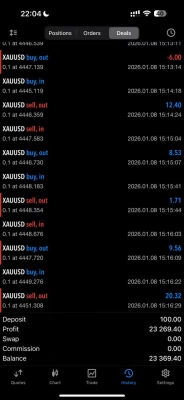
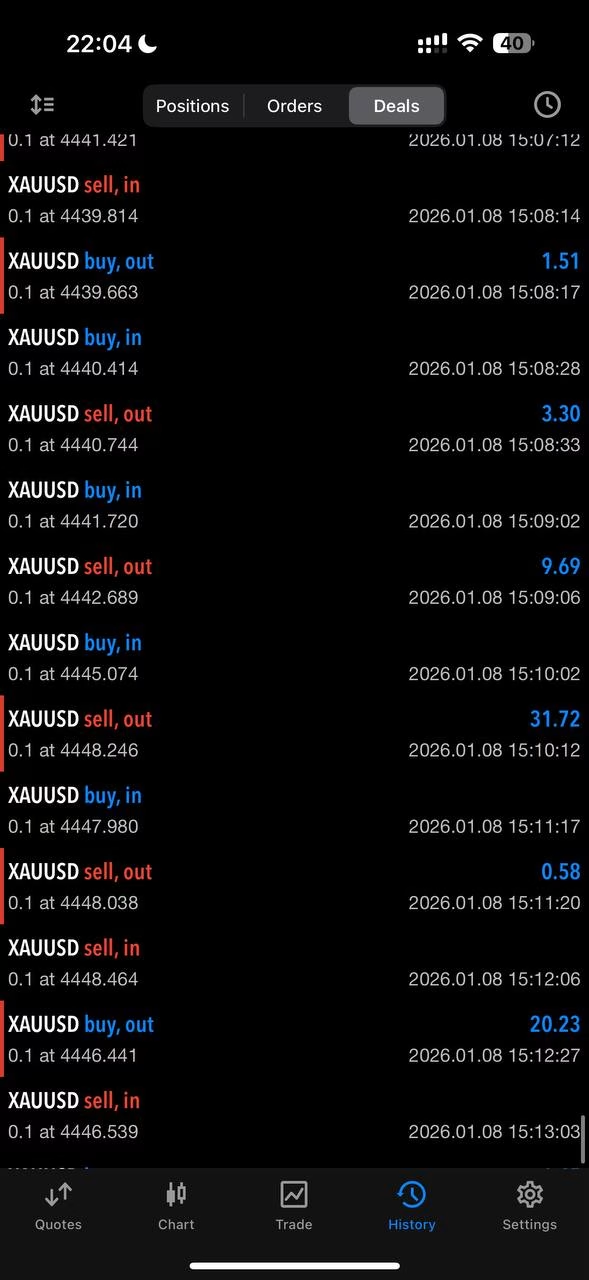
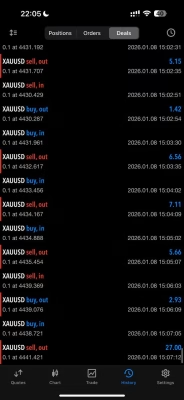
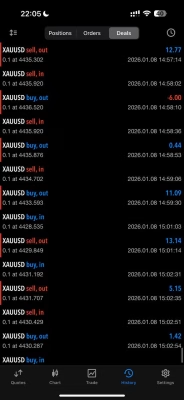
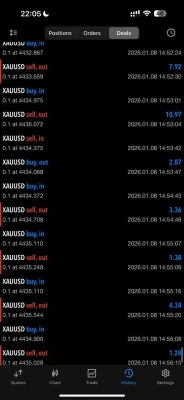
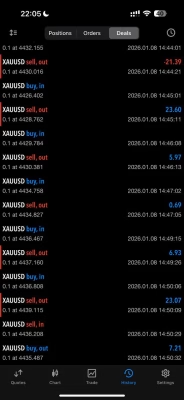
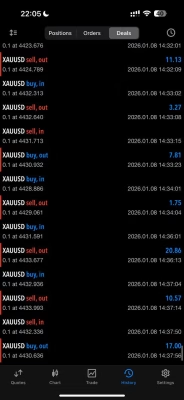
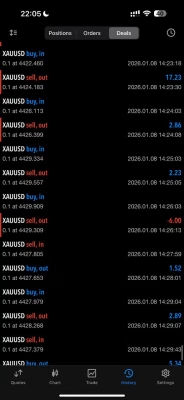
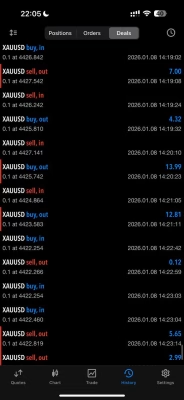
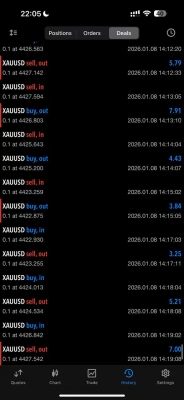
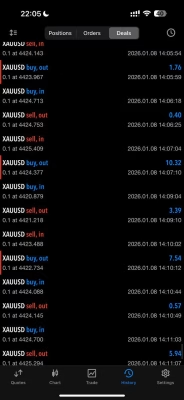
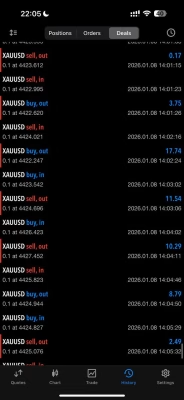
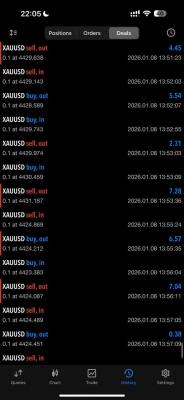
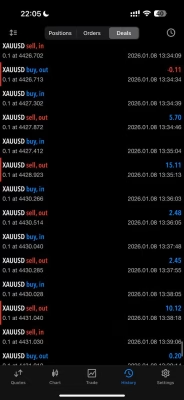
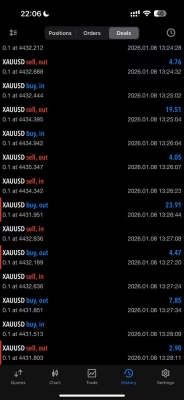
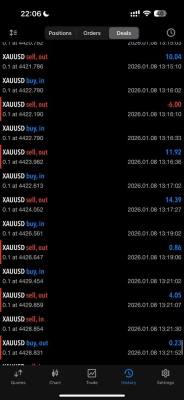


















Gold Hunter V8 EA MT5 Unlimited
$15
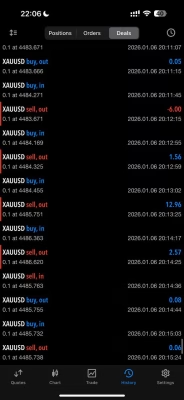
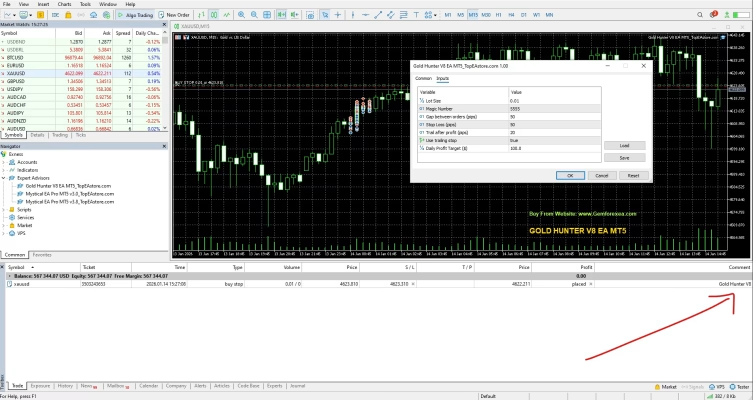
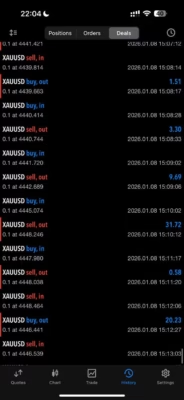
Gold Hunter V8 EA MT5 is an automated trading robot designed for Gold (XAUUSD) on MetaTrader 5. Featuring one-position-at-a-time trading, predefined Stop Loss protection, and a trailing stop system, it offers a structured approach to automated gold trading. This unlimited version includes free updates, making it a practical option for traders who value disciplined execution and risk management.
Broker : ExnessExness-MT5Trial15259774526Gemforex123#
Description
Gold Hunter V8 EA MT5 – Disciplined Automation for Gold Trading
Gold is known for its sharp price movements and changing market conditions. Trading XAUUSD manually requires constant attention, a clear strategy, and consistent risk management. Gold Hunter V8 EA MT5 helps automate this process by following predefined trading rules on the MetaTrader 5 platform.
Designed specifically for gold trading, this Expert Advisor focuses on controlled trade management rather than opening multiple positions at once. Its single-position approach, Stop Loss protection, and trailing stop functionality help traders maintain a more structured trading routine.
Whether you are exploring automated trading or looking to add a gold-focused system to your trading setup, Gold Hunter V8 EA MT5 provides a systematic way to approach the XAUUSD market.
Key Features of Gold Hunter V8 EA MT5
1. Designed Specifically for XAUUSD
Gold Hunter V8 EA MT5 is built for trading Gold (XAUUSD). Its gold-focused design makes it relevant to traders who want an automated solution for this popular but volatile market.
2. One Position at a Time
The EA is designed to maintain only one open position at a time. This approach can help limit overlapping exposure and make trade management easier to monitor.
Key benefits include:
- More structured position management
- Reduced risk of accumulating multiple simultaneous positions
- Clearer monitoring of individual trades
- A simpler approach to managing margin and exposure
Actual risk still depends on lot size, account equity, leverage, and market conditions.
3. Stop Loss Protection
Gold Hunter V8 EA MT5 uses a predefined Stop Loss to help manage downside risk on individual trades. Stop Loss settings are an important part of a trading plan, especially when dealing with rapid gold price movements.
However, a Stop Loss cannot guarantee a specific exit price in every situation. Slippage and market gaps may affect execution during volatile conditions.
4. Trailing Stop for Trade Management
The trailing stop system helps manage open positions as the market moves in a favorable direction. By adjusting stop protection according to its configured rules, the EA can help secure some unrealized gains while managing ongoing trades.
Trailing stop behavior depends on the EA settings and market conditions. It does not guarantee that every profitable trade will close with a profit.
5. No Grid or Martingale Strategy
Gold Hunter V8 EA MT5 is presented as a system that avoids grid and martingale trading. Instead of relying on progressively increasing exposure through these methods, it emphasizes single-position trading with Stop Loss and trailing stop management.
This approach may appeal to traders who prefer a more straightforward trading structure. Nevertheless, every automated strategy carries risk, and results will vary.
6. Unlimited Version with Free Updates
This product is offered as an unlimited-use version with free updates. New versions received for the product are added to your account, helping you access available updates without purchasing the same product again.
Explore more automated trading tools in our Expert Advisor collection.
How Does Gold Hunter V8 EA MT5 Work?
Gold Hunter V8 EA MT5 follows a rule-based approach to automated gold trading. It evaluates market conditions according to its programmed logic and manages trades using its configured risk parameters.
The main components include:
- Trade entries: The EA evaluates conditions before opening a position.
- Position control: It is designed to keep only one position open at a time.
- Stop Loss management: Each trade uses Stop Loss protection according to the configured rules.
- Trailing stop management: Stop protection can adjust as a trade moves in a favorable direction.
The purpose is to provide a more systematic trading process without requiring the trader to manually manage every entry and exit. Automated execution does not eliminate losses, and the EA should be tested before being used on a live account.
Gold Hunter V8 EA MT5 – Technical Specifications
| Specification | Details |
|---|---|
| Product name | Gold Hunter V8 EA MT5 |
| Product type | Expert Advisor (EA) |
| Trading platform | MetaTrader 5 (MT5) |
| Primary trading symbol | Gold (XAUUSD) |
| Trading approach | Single-position trading |
| Risk management | Stop Loss and trailing stop |
| Grid strategy | Not used, according to the product description |
| Martingale strategy | Not used, according to the product description |
| Broker mentioned in product information | Exness |
| Account types | Demo and real accounts |
| License | Unlimited version |
| Updates | Free updates |
For other trading tools and technical resources, visit our Indicator collection or explore available Source Code products.
Recommended Setup and Risk Management
Before using Gold Hunter V8 EA MT5 on a live account, take time to configure and test the software carefully.
Recommended preparation:
- Use MetaTrader 5 with the correct Gold symbol provided by your broker.
- Start with a demo account to become familiar with the EA’s behavior.
- Review the available inputs and understand the Stop Loss and trailing stop settings.
- Choose a position size appropriate for your account balance and risk tolerance.
- Check spreads, commissions, slippage, and execution quality.
- Consider a reliable VPS if you need MetaTrader 5 to remain online during trading sessions.
- Monitor performance across different market conditions before considering live deployment.
The product information mentions Exness as a tested broker, but trading conditions can differ across account types and servers. Compatibility and execution should be verified with your own broker.
No particular deposit amount or timeframe is guaranteed to be suitable for every trader. Choose settings based on your own testing and risk limits.
How to Install Gold Hunter V8 EA MT5
Follow these general steps to install an Expert Advisor on MetaTrader 5:
- Download the product: After completing your purchase, access the available files through your account.
- Open MetaTrader 5: Launch the trading platform on your computer.
- Open the data folder: Select File → Open Data Folder.
- Locate the Experts folder: Open
MQL5 → Experts. - Copy the EA file: Place the supplied Gold Hunter V8 EA MT5 file in the Experts folder.
- Refresh the Navigator: Restart MetaTrader 5 or refresh the Expert Advisors list.
- Attach the EA: Open your broker’s Gold chart and attach the EA.
- Configure and test: Review the settings, enable automated trading as required, and test on a demo account first.
For purchased products, visit Download Immediately After Payment. If you need assistance, contact FxEAstore Support on Telegram.
Who Should Consider Gold Hunter V8 EA MT5?
Gold Hunter V8 EA MT5 may be worth considering for:
- Traders who focus on Gold (XAUUSD).
- MetaTrader 5 users interested in automated trading.
- Traders who prefer one-position-at-a-time management.
- Users looking for an EA with Stop Loss and trailing stop functionality.
- Traders who want to test a rules-based system as part of their broader trading approach.
It may be less suitable for users who expect guaranteed profits, zero drawdown, or an EA that can operate without monitoring and risk management.
Why Choose Gold Hunter V8 EA MT5?
Gold Hunter V8 EA MT5 combines several practical features for traders who want a structured approach to automated gold trading:
- Gold-focused trading on MetaTrader 5
- Single-position trading logic
- Stop Loss protection
- Trailing stop trade management
- No grid or martingale approach, as stated in the product information
- Unlimited-use version with free updates
These features can support a disciplined workflow, but they do not establish future profitability. Backtest results and past performance, if available, should not be treated as a guarantee of future results.
Get Gold Hunter V8 EA MT5 Today
If you are looking for a Gold-focused Expert Advisor for MetaTrader 5, Gold Hunter V8 EA MT5 offers automated execution with single-position logic, Stop Loss protection, and trailing stop management.
Review the product specifications, test the EA on a demo account, and select settings that match your trading plan before using real funds.
After payment, access your available files through the FxEAstore Downloads page. You can also follow our Telegram channel for updates and contact customer support if you need assistance.
Risk Disclaimer: Forex and gold trading involve substantial financial risk. Automated trading systems can incur losses, and no Expert Advisor can guarantee profits or prevent drawdowns. Always test on a demo account, use appropriate position sizing, and trade only with money you can afford to lose.
Related products


Expert Advisor

Expert Advisor


Expert Advisor




Expert Advisor


Expert Advisor


Expert Advisor


Expert Advisor