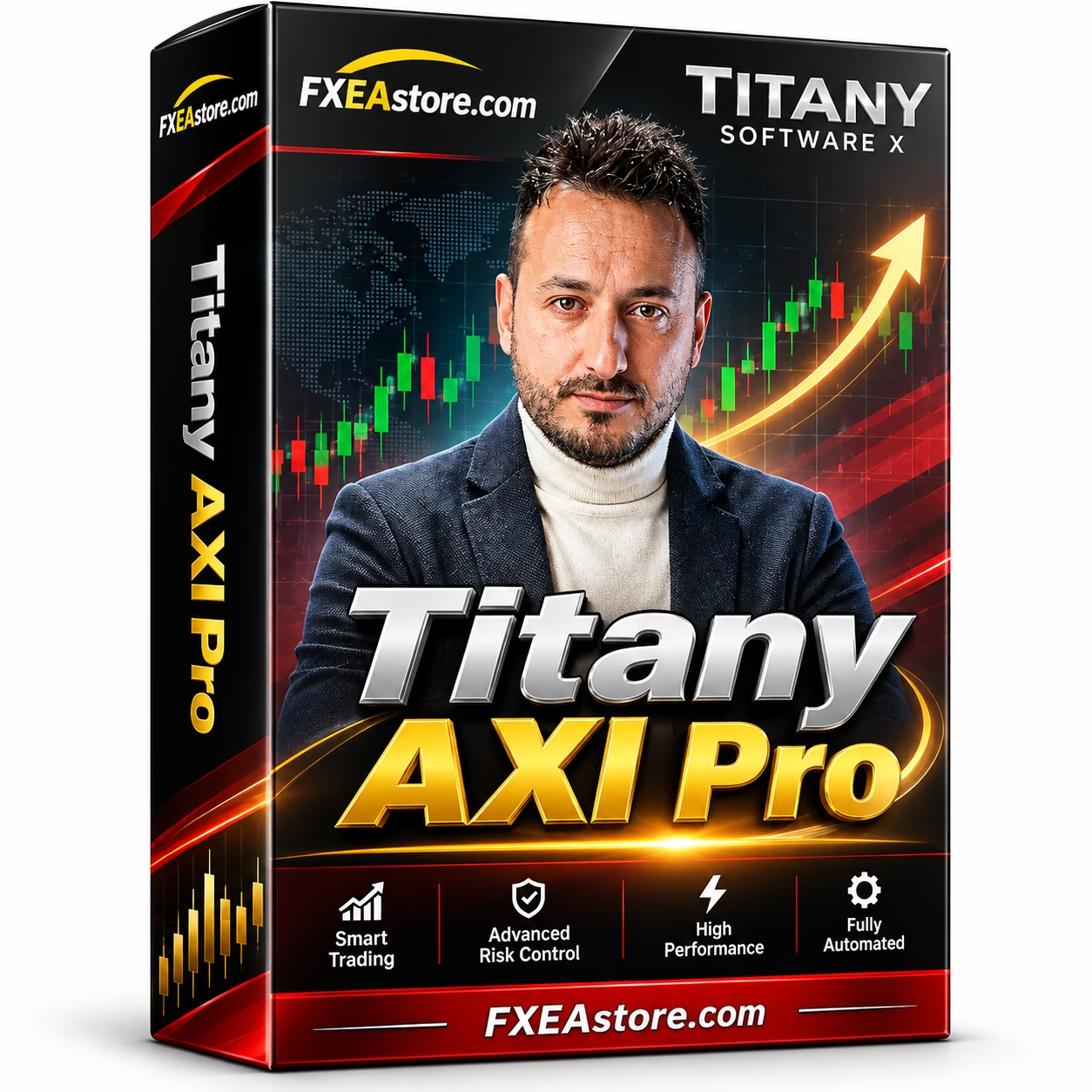

Titany AXI Pro MT4 V5.0 Unlimited
$33
Titany AXI Pro MT4 is an advanced automated trading Expert Advisor developed for Axi Select and personal trading accounts. Powered by Titany’s proprietary X Technology, it uses a non-directional, statistically based trading approach and supports up to five currency pairs. With Distinct Mode, Signature Mode, diversified execution, configurable Take Profit and lot sizes, and optional pyramiding, it offers flexible automation for traders seeking a structured approach to multi-pair trading.

Description
Titany AXI Pro MT4 – Advanced Automated Trading for Axi Select
Discover Titany AXI Pro MT4 – Automated Trading with X Technology
Titany AXI Pro MT4 is a specialized version of the Titany X automated trading system, developed for the Axi Select broker and prop trading environment.
The system uses a proprietary technology called X Technology, designed to execute a user-configured trading strategy consistently according to predefined parameters.
Unlike conventional directional systems that focus on predicting whether the market will move up or down, Titany uses a non-directional trading approach based on mathematical and statistical principles.
The AXI PRO edition is optimized for Axi Select’s technical environment and data feed while also supporting personal trading accounts.
With automated execution across multiple currency pairs, diversified trade execution, and flexible operating settings, Titany AXI Pro MT4 provides a comprehensive solution for traders interested in automated Forex trading.
Explore more automated trading solutions in our Expert Advisor collection.
Key Features of Titany AXI Pro MT4
1. Specialized for Axi Select
Titany AXI PRO is specifically developed and optimized for the Axi Select broker environment.
Its configuration takes into account the broker’s technical and data-feed characteristics, making this edition different from the standard Titany X packages.
It also supports personal trading accounts, giving users flexibility in choosing their trading environment.
2. Non-Directional Statistical Trading Strategy
Titany uses a non-directional strategy based on mathematical and statistical principles.
Rather than depending entirely on conventional market-direction predictions, the system follows its programmed statistical trading logic to identify and execute opportunities.
This approach is designed to provide a consistent automated trading process based on predefined parameters.
3. Proprietary X Technology
The system incorporates Titany’s proprietary X Technology, developed to execute the configured strategy consistently.
According to the product information, the technology is continuously improved, with the website listing version 2.8.
Its objective is to automate strategy execution while reducing hesitation and manual intervention during trading.
4. Distinct Mode and Signature Mode
The AXI PRO version implements two important operating features: Distinct Mode and Signature Mode.
These modes allow the user to configure the strategy and vary operating parameters within predefined ranges.
The purpose is to create diversified execution so that trades can differ between accounts rather than following an identical execution pattern.
This feature is particularly relevant to the product’s intended use in supported prop trading environments.
5. Automated Trading on Five Currency Pairs
Titany AXI Pro MT4 supports up to five Forex currency pairs simultaneously.
Users can choose the maximum number of pairs they want the EA to trade at the same time.
This allows traders to manage multi-pair automated trading through a single system rather than monitoring each market manually.
6. Diversified Trade Execution
The AXI PRO edition includes diversified execution as part of its operating design.
Combined with Distinct Mode and Signature Mode, this feature allows trading parameters to vary within the ranges configured by the user.
It is designed to create account-level execution differences while maintaining the system’s underlying trading methodology.
7. Flexible Take Profit and Lot Size Settings
Titany AXI Pro MT4 provides separate configuration options for individual currency pairs.
Users can customize:
- Take Profit for each pair.
- Lot size for each pair.
- Maximum number of simultaneously traded pairs.
- Moderate or aggressive operating mode.
These options help traders adjust the system according to their trading preferences and risk tolerance.
8. Moderate and Aggressive Modes
The EA offers two operating styles:
- Moderate Mode: For users who prefer a more conservative operating approach.
- Aggressive Mode: For users who are comfortable with a more active risk profile.
The selected mode should always be considered alongside account size, trading limits, and the risk rules of the broker or prop firm.
9. Optional Pyramiding Function
Titany AXI PRO includes a configurable pyramiding function that can be switched on or off.
This gives users control over whether the feature is enabled in their trading configuration.
Because pyramiding can increase market exposure, traders should understand its behavior and assess the associated risks before enabling it.
10. Weekend-Safe Condition
The AXI PRO package also lists a Weekend Safe condition.
This feature is intended to support the system’s operating requirements around weekend market conditions.
Users should review the relevant settings and documentation to understand how the condition is applied before running the EA on a live account.
11. Fully Automated Trading
Titany is designed to execute its configured trading strategy automatically.
Once the license and trading parameters have been set up, the software can operate without requiring constant manual order execution.
The system is intended to reduce the time spent monitoring charts and managing individual trades manually.
How Does Titany AXI Pro MT4 Work?
Titany AXI PRO combines statistical trading logic, configurable execution parameters, and automated multi-pair management.
Its general operating process can be understood through the following stages:
Step 1 – Configure the Trading Environment
Set up the EA on a supported MT4 account within the Axi Select or personal account environment.
Step 2 – Select Currency Pairs
Choose the currency pairs you want the system to trade, up to the supported maximum of five pairs.
Step 3 – Configure Distinct Mode and Signature Mode
Set the available operating parameters within the ranges provided by the software.
These features support diversified execution across accounts.
Step 4 – Adjust Trading Preferences
Configure the lot size and Take Profit for each currency pair. Select the preferred operating mode and decide whether to enable pyramiding.
Step 5 – Activate Automated Execution
Once the configuration is complete, Titany executes its programmed strategy automatically according to the selected parameters.
Titany AXI Pro MT4 – Technical Specifications
| Specification | Details |
|---|---|
| Product Name | Titany X AXI PRO |
| SEO Focus Keyword | Titany AXI Pro MT4 |
| Trading Platform | MetaTrader 4 |
| Product Category | Automated Expert Advisor |
| Broker Environment | Axi Select |
| Account Compatibility | Axi Select and Personal Accounts |
| Trading Strategy | Non-Directional Statistical Approach |
| Trading Technology | Proprietary X Technology |
| Supported Currency Pairs | Up to 5 |
| Operating Modes | Moderate and Aggressive |
| Execution Features | Distinct Mode and Signature Mode |
| Trade Execution | Diversified Execution |
| Take Profit | Configurable for Each Pair |
| Lot Size | Configurable for Each Pair |
| Pyramiding | Optional On/Off |
| Weekend Condition | Weekend Safe |
| Automation | Fully Automated |
| License | Lifetime License for 2 MT4 Accounts |
| Updates | Future Software Updates Included |
| Assistance | Installation Assistance and Dedicated Telegram Channel |
Why Choose Titany AXI Pro MT4?
Titany AXI PRO combines specialized broker optimization with a flexible automated trading framework.
Its main advantages include:
- Axi Select Optimization: Developed specifically for the Axi Select environment.
- Multi-Pair Trading: Supports up to five currency pairs.
- Non-Directional Strategy: Uses a mathematical and statistical trading approach.
- Distinct Mode and Signature Mode: Supports diversified execution across accounts.
- Flexible Trade Settings: Individual lot size and Take Profit configuration.
- Two Operating Modes: Choose between moderate and aggressive settings.
- Optional Pyramiding: Enable or disable the pyramiding function.
- Fully Automated Execution: Reduces the need for manual trading operations.
- Lifetime License: Includes licensing for two MT4 accounts according to the AXI PRO package information.
- Future Updates: Includes future software updates.
If you want to explore additional trading tools, visit our Indicator collection.
Who Should Consider Titany AXI Pro MT4?
Titany AXI PRO may be worth considering for:
- Traders using the Axi Select trading environment.
- Users who want to automate Forex trading on MT4.
- Traders interested in non-directional statistical strategies.
- Users who want to manage multiple currency pairs automatically.
- Traders who need configurable lot sizes and Take Profit settings.
- Users interested in diversified execution through Distinct Mode and Signature Mode.
- Traders who want to explore moderate and aggressive operating configurations.
Before purchasing or activating the software, verify that your account type and prop firm rules permit the use of Expert Advisors and the system’s execution methods.
How to Get Started with Titany AXI Pro MT4
Follow these general steps to prepare the EA:
- Obtain the Titany AXI PRO software package and license.
- Open your supported MetaTrader 4 trading account.
- Install the Expert Advisor according to the supplied instructions.
- Complete the required license activation.
- Configure your supported currency pairs.
- Set the maximum number of simultaneously traded pairs.
- Adjust the lot size and Take Profit for each pair.
- Select Moderate or Aggressive mode.
- Configure Distinct Mode and Signature Mode.
- Decide whether to enable or disable pyramiding.
- Review all settings before activating automated trading.
Installation assistance is included in the AXI PRO package information.
For traders interested in software development and customization resources, explore our Source Code collection.
Get Titany AXI Pro MT4 from FXEAstore
Explore automated multi-pair Forex trading with Titany AXI Pro MT4.
After completing your payment, access your purchased product through the FXEAstore Download Area.
Follow the FXEAstore Telegram Channel for product announcements, updates, and other automated trading tools.
For purchase assistance or installation guidance, contact our FXEAstore Support Team.
Final Thoughts
Titany AXI Pro MT4 is a specialized automated trading solution developed for Axi Select and personal trading accounts.
With its non-directional statistical strategy, proprietary X Technology, support for five currency pairs, and diversified execution through Distinct Mode and Signature Mode, the system offers a flexible approach to automated Forex trading.
Its configurable lot sizes, individual Take Profit settings, moderate and aggressive modes, and optional pyramiding provide additional control over the trading configuration.
For traders interested in automated trading within the Axi Select environment, Titany AXI PRO is worth evaluating after reviewing the account requirements, operating settings, and associated risks.
Risk Disclaimer: Forex and CFD trading involve substantial financial risk, including the possibility of losing all invested capital. Automated trading does not guarantee profits or eliminate market risk. Prop firm compatibility depends on each provider’s specific rules and restrictions. Past or simulated results do not guarantee future performance. Always review the EA settings, test the system carefully, and use only capital you can afford to lose.
Related products


Expert Advisor


Expert Advisor


Expert Advisor


Expert Advisor


Expert Advisor


Expert Advisor
IS New Project EA MT4 Unlimited with SetFiles (latest build)


Expert Advisor